
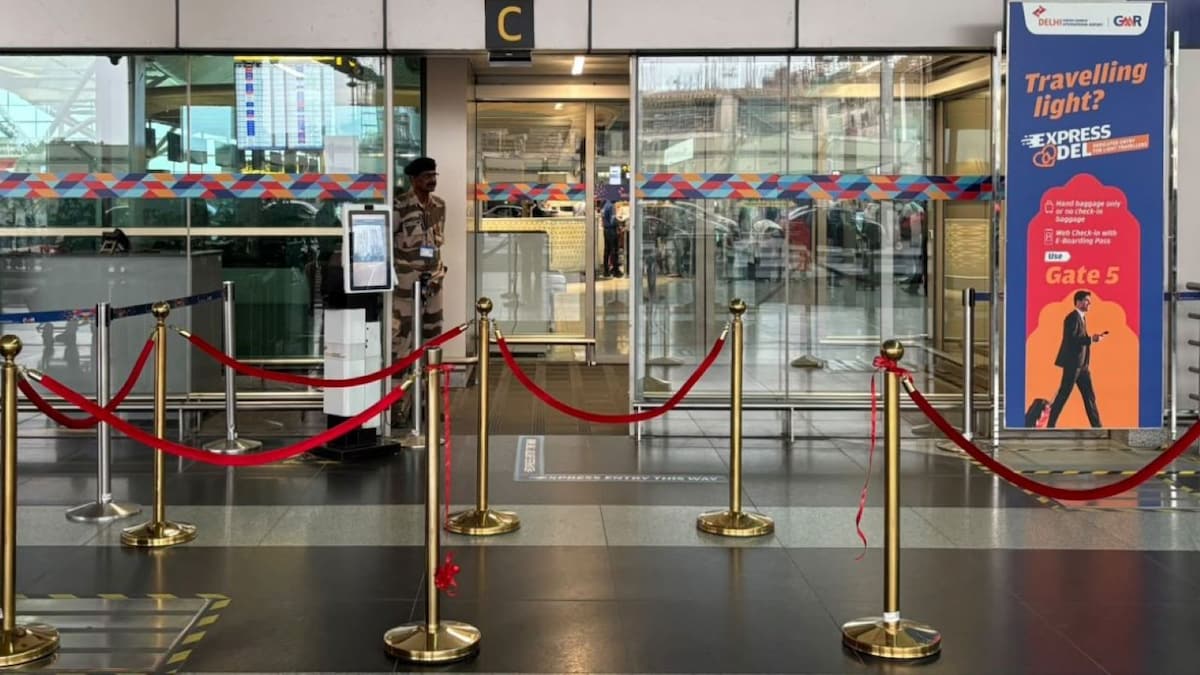
Delhi Airport has introduced Express@DEL, a dedicated entry service that allows light travellers to skip the regular queues at the forecourt, save time and enjoy seamless entry.
Express@DEL was inaugurated at Terminal 1 Gate 5 by Manomay Rai, Deputy CEO, Delhi Airport. The service is meant for passengers who have completed web check-in, have an e-boarding pass and are travelling with hand baggage only or without baggage.
Eligible passengers can use the dedicated entry points to skip the regular forecourt queues and proceed towards security. The facility is available at Terminal 1 Gate 5, Terminal 2 Gate 1 and Terminal 3 Gate 2.
Light travellers now have a dedicated entry at DEL. ✈️
Express@DEL is now live for passengers with hand baggage only or no baggage.Inaugurated at T1 Gate 5 by Mr. Manomay Rai, Dy. CEO, Delhi Airport.
???? T1 – Gate 5 | T2 – Gate 1 | T3 – Gate 2#DelhiAirport #Express@DEL pic.twitter.com/pFb0xlI0OP
— Delhi Airport (@DelhiAirport) September 17, 2026
DigiYatra At Delhi Airport
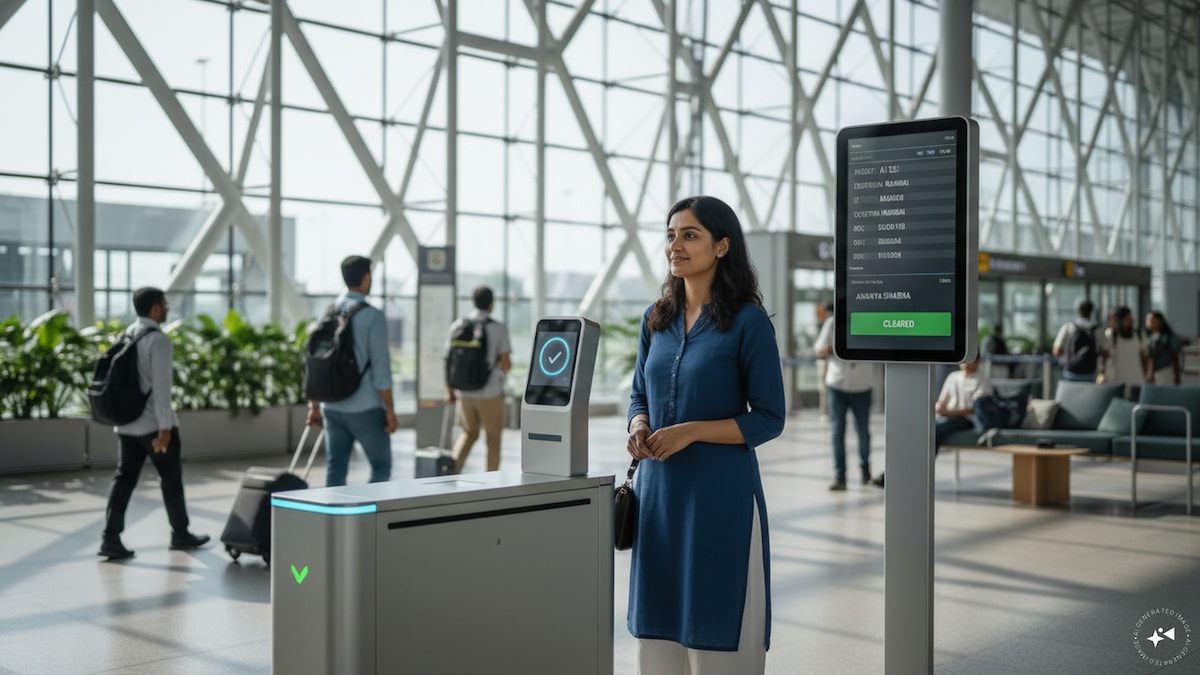
Express@DEL is not the only initiative aimed at reducing waiting time at the airport. Delhi Airport also offers DigiYatra, a facial recognition technology-based service designed to provide a more seamless journey through various airport checkpoints.
DigiYatra uses facial recognition to verify passengers at designated touchpoints, reducing the need for repeated document checks. The service can be accessed through the DigiYatra app, available on Android and iOS.
How to register on DigiYatra?
To register, passengers need to complete Aadhaar-based verification and upload a selfie. They will also need to provide details such as their name, email address, mobile number and identity document (Voter Id, driving licence, Aadhaar etc). Once registered, the passenger’s details are processed through facial recognition at all checkpoints inside the airport.
How does DigiYatra work at the airport?
At the airport, first-time users may need to complete registration or identity validation at a designated kiosk. Aadhaar-based verification is digital, while passengers using other identity documents may require manual verification by the Central Industrial Security Force (CISF) personnel.
After successful verification, share and scan your bar-coded boarding pass/mobile boarding pass. Look into the camera of the facial recognition system installed at the gate. The e-gate will open automatically to allow entry.
Then drop your luggage at the airline check-in desk and head for DigiYatra Gate at Zone 1 PESC, located nearby business class entry. Look into the facial recognition system installed at the e-gate and the gates will open to let you in for a security check.