



In an age where our smartphones rarely leave our hands, few things are more frustrating than sudden battery drain, hidden data risks, or unknowingly connecting to unsafe public Wi-Fi. Yet a single switch, turning off your phone’s Wi-Fi before stepping out, can instantly protect your battery, your privacy, and your peace of mind.

Most of us make sure our phone is fully charged before leaving in the morning, but by evening the battery often drains faster than expected. The main reason is a small setting that remains switched on all the time. Many people forget to turn off Wi-Fi when leaving home. Doing so not only saves battery but also boosts your privacy and protects your data. Here’s how.

Why Does Wi-Fi Drain the Battery Quickly? Keeping Wi-Fi on at home is perfectly fine. But once you step outside, your phone starts searching for new Wi-Fi networks continuously, on the road, in public transport, and on the way to work. This constant scanning rapidly drains the battery. Switching off Wi-Fi before going out can help your phone stay charged throughout the day.

The Hidden Danger of Public Wi-Fi: Free Wi-Fi in cafés, stations, airports, and shopping centres may seem tempting, but it comes with serious risks. Hackers can create fake hotspots to steal passwords, bank details, photos, and messages when your phone auto-connects. Keeping Wi-Fi on increases this risk. Switching it off when outside helps you avoid such threats entirely.
Your Privacy Is at Stake Too: Your phone keeps a record of every Wi-Fi network you’ve connected to. Companies like Google, Apple, and Microsoft use this data for location tracking. If a hacker accesses this list, they can easily figure out where you live and where you travel. Turning off Wi-Fi outdoors prevents creating new logs and keeps your privacy intact.
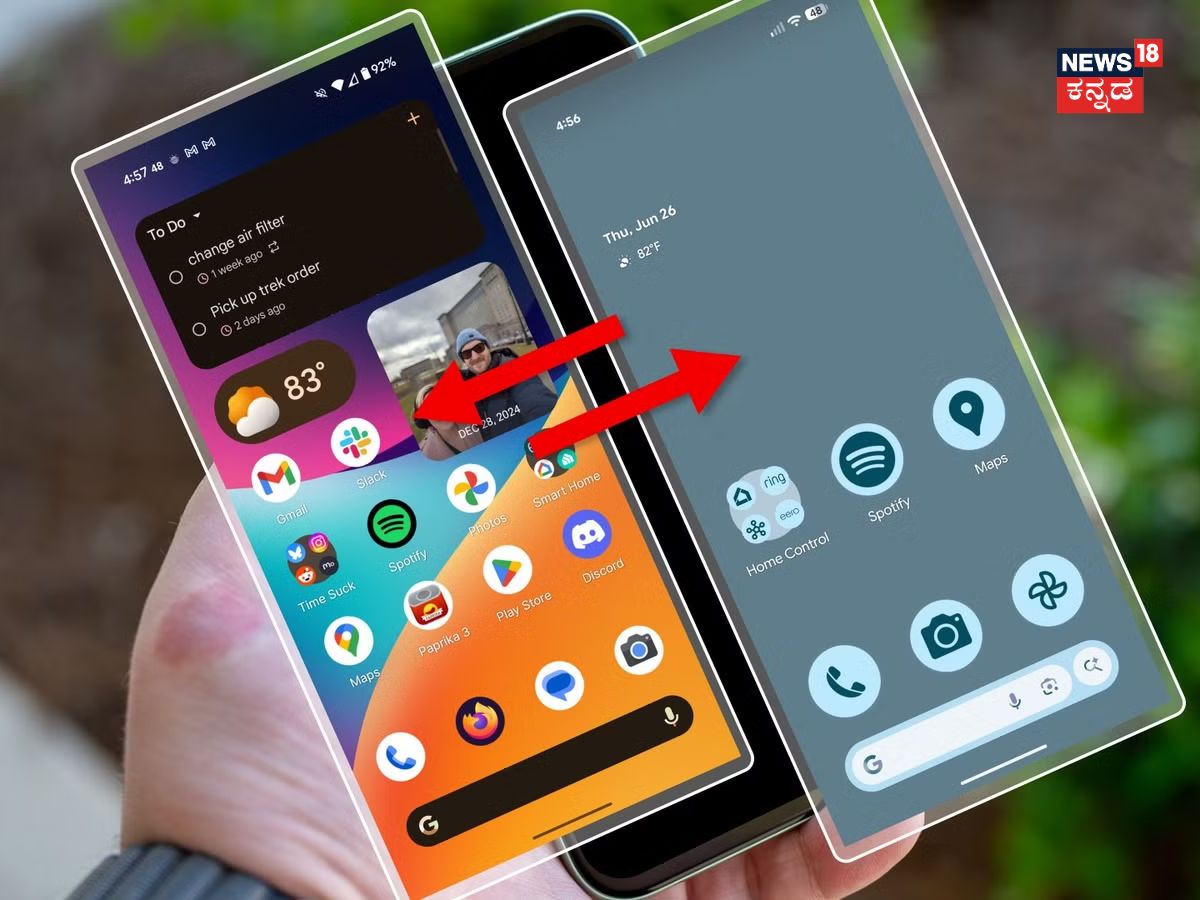
Automatic Fix for iPhone Users: Open the Shortcuts app on your iPhone and create automation to turn off Wi-Fi when you leave your home location. It will automatically switch back on when you return; no need to remember it each time.

Easy Options for Android Users: Many Android phones offer Smart Wi-Fi or Auto Off settings. Once enabled, Wi-Fi remains on only in familiar places like your home or office and switches off automatically when you go outside. This feature is available on Samsung, Xiaomi, OnePlus, Realme, and several other phones.

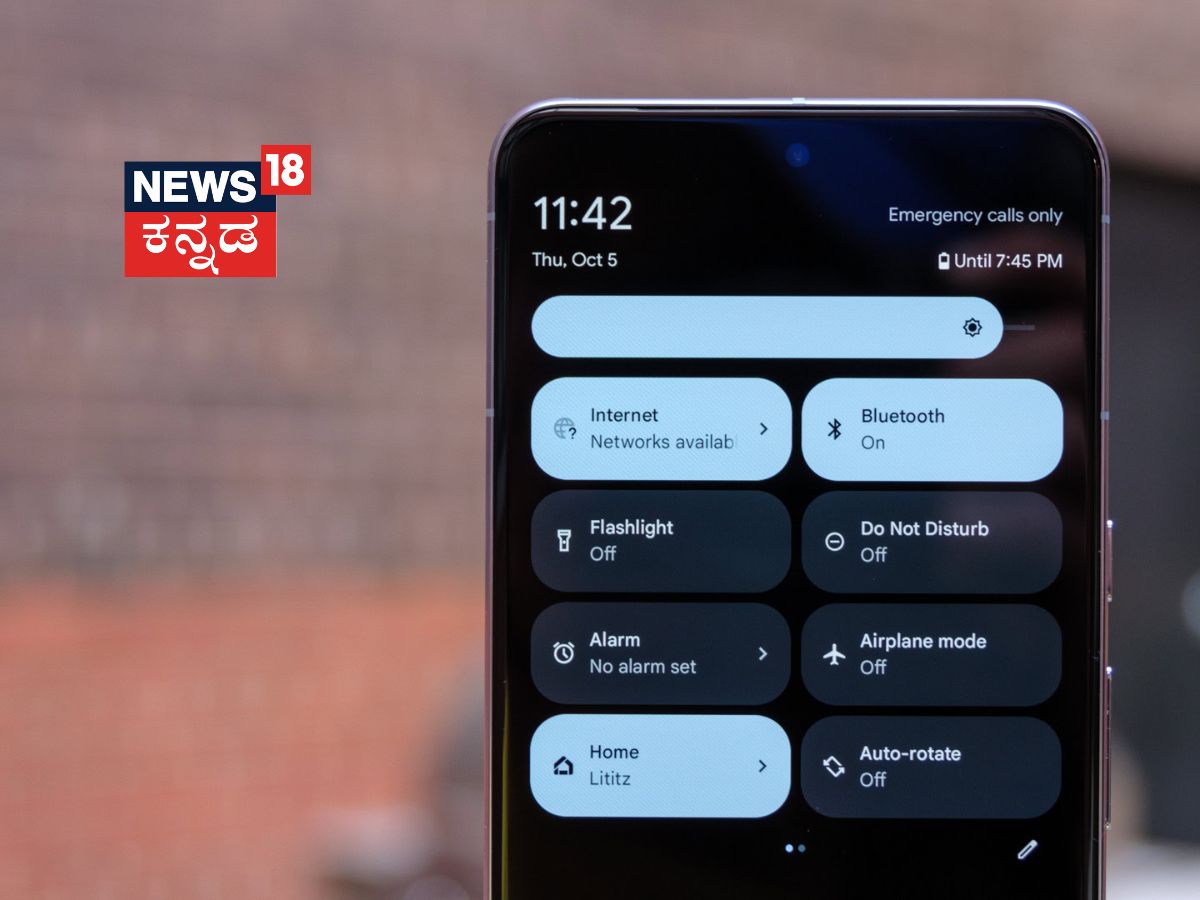
Extra Tip: Switch off Bluetooth when you’re outdoors. It consumes battery and can connect to unnecessary devices without you noticing.

With this simple habit, your phone’s battery will last longer, your data will remain secure, and your privacy will stay protected. So next time you step out, don’t forget to turn off Wi-Fi!