
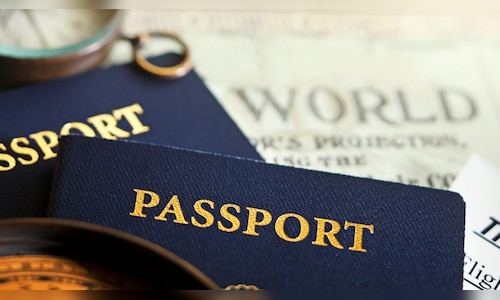
MeitY said the integration enables citizens to “securely access, store, share, and digitally verify” PVRs within the DigiLocker ecosystem, supporting paperless and contactless service delivery.
How to access your passport verification record?
Once police verification for a passport is completed, the PVR is automatically issued to the individual’s DigiLocker account.
Users can retrieve it from the “Issued Documents” section through either of the following:
- DigiLocker mobile app
- DigiLocker web portal
No separate request or application is required; the document appears once the issuing system completes verification.
What DigiLocker provides?
DigiLocker is a cloud-based platform under the Digital India programme that allows citizens to store and access government-issued digital records such as Aadhaar, driving licences and academic certificates. It enables secure sharing and instant verification of documents without physical copies.
Key benefits of having PVR on DigiLocker
- Individuals can view or download their PVR at any time, which is particularly useful for urgent travel planning, background checks for employment, or compliance requirements across sectors.
- The PVR is issued directly by government systems and stored within DigiLocker’s secure architecture, ensuring authenticity and protection against alteration.
- Recruiters, travel facilitators and agencies frequently request passport verification. A digital PVR enables quick sharing of an official record, reducing delays caused by missing or outdated physical copies.
- Users can share the document electronically with authorised organisations through DigiLocker’s consent-based system. This removes the need for attested photocopies or repeated uploads on various portals.