
Last Updated:
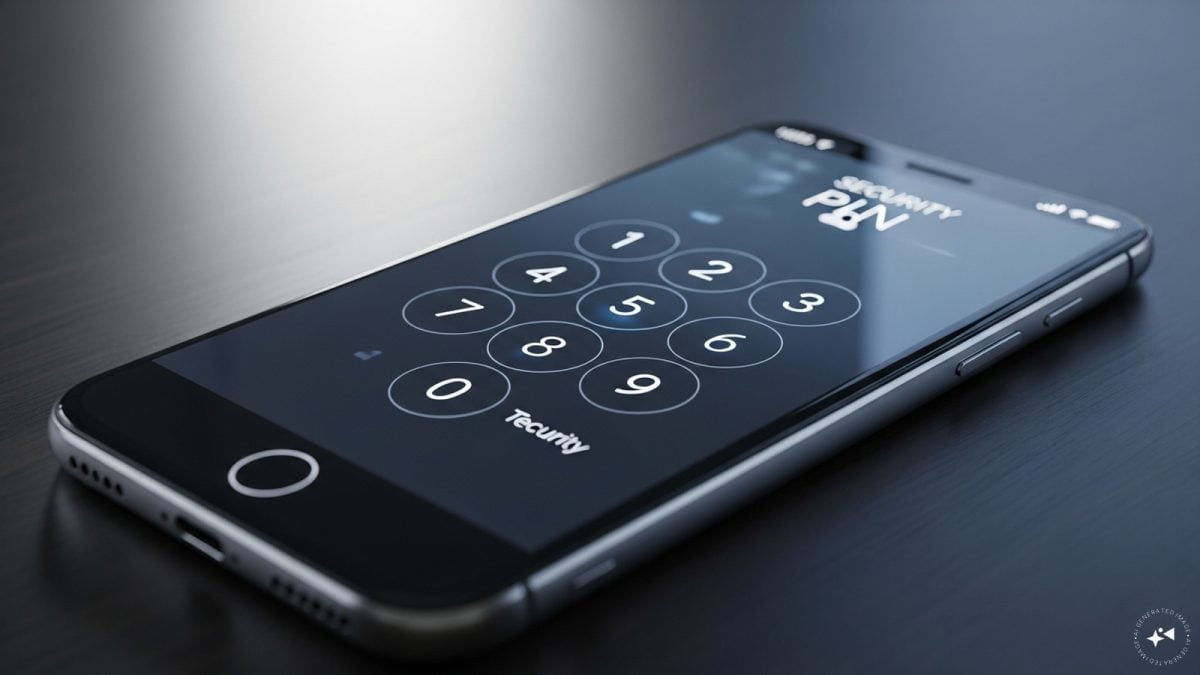
Phone security lock can be a nightmare if you forget and many users would prefer to gain access but at the cost of their data.
How many times have you faced the nightmare of forgetting the screen lock/PIN of your phone and tried multiple combinations to get it working? Yes, you’re not alone. Which is why we have decided to take matters into our own hands and help you with an easy but sure shot way to fix the problem.
Power off the phone.

Now you have to press and hold the Power and Volume Down button and wait till the phone turns on and displays Fastboot mode.

Using the volume button drop down to Recovery mode and press the power button to select it

You will see the Android robot image on the screen with a “No command” message.

Press and hold the Power button again and after that press and release the Volume Up button one time.

Now you can confirm by selecting Factory data reset with the power button once again.

The process is complete so now select Reboot system

Login with your Google account credentials to start using the phone once again. Do remember doing a factory reset means you lose all the data, so be very sure before doing this process to recover the phone.