
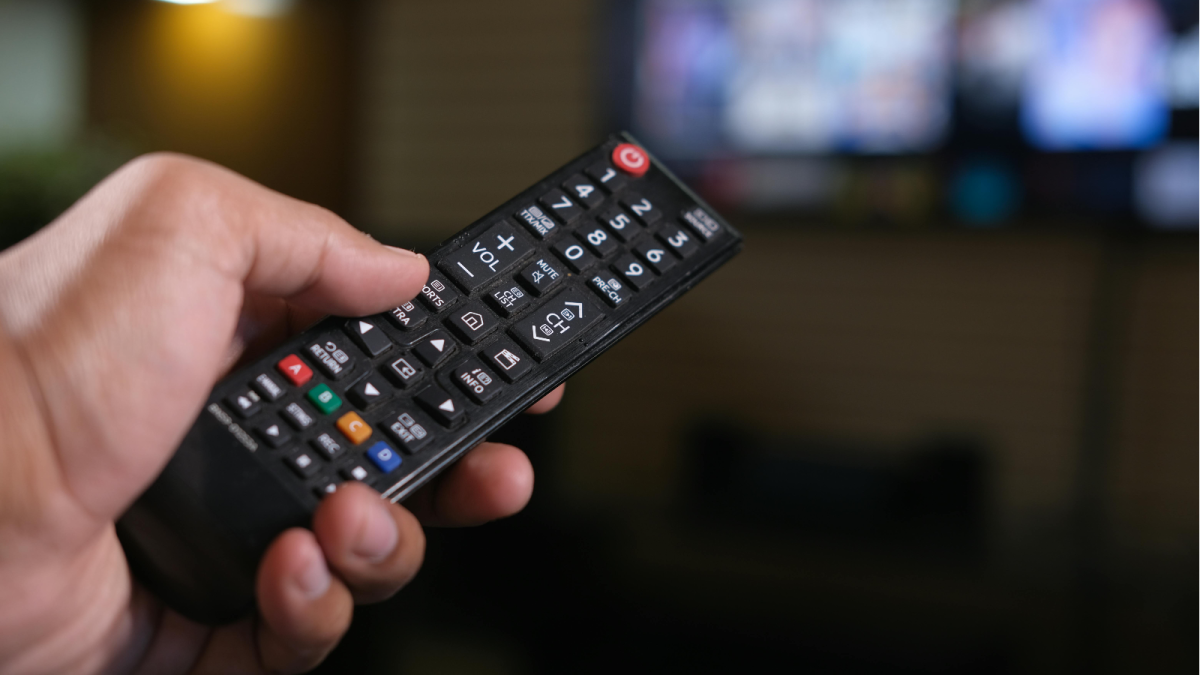
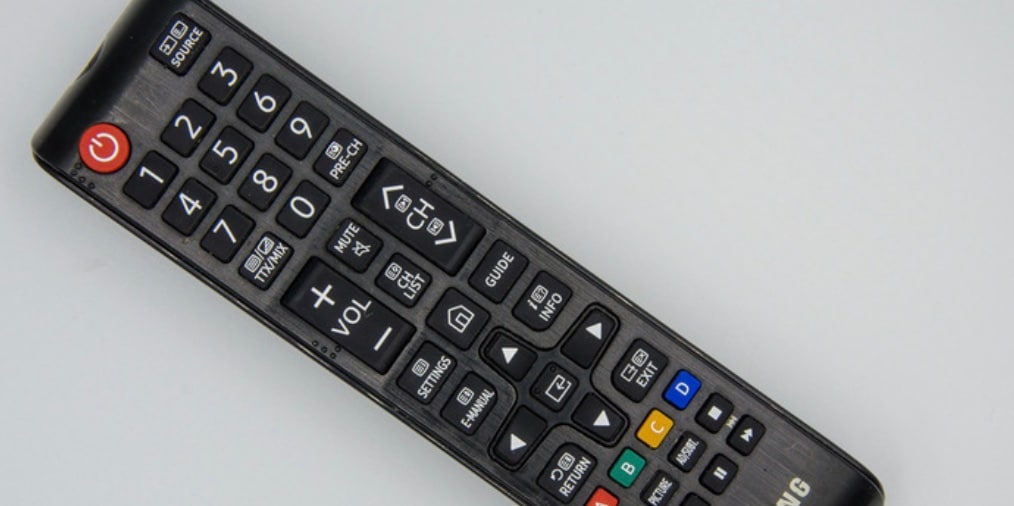
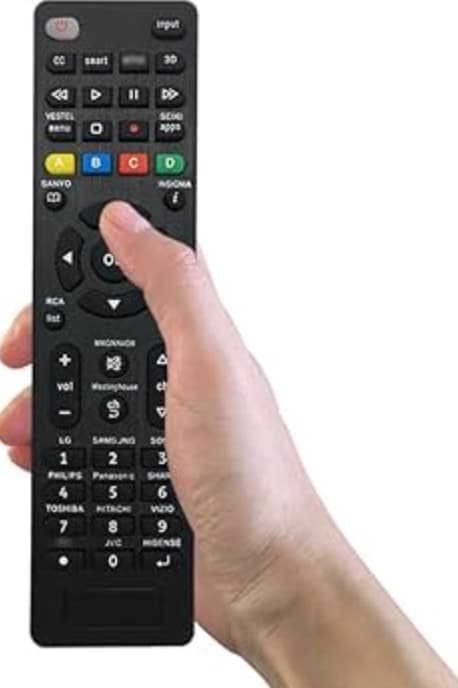
If you’ve ever looked closely at your TV remote, you may have noticed four colourful buttons—red, green, yellow, and blue. Many people use their remote every day but rarely know what these coloured buttons actually do. (Image: X)
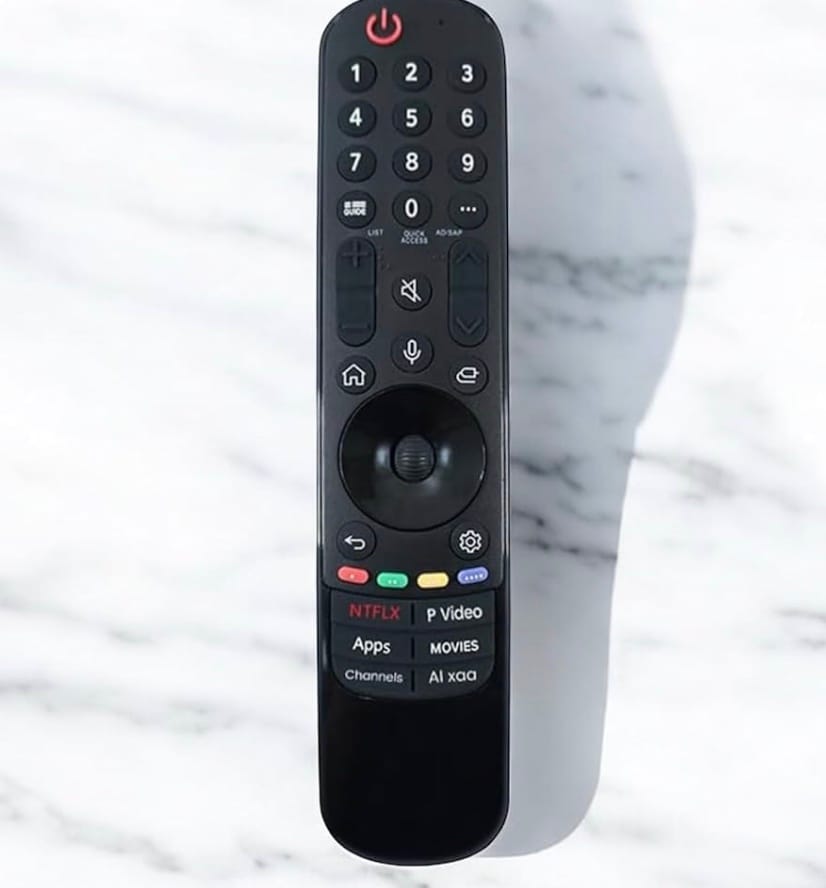
The coloured buttons were originally designed to make navigation easier when using interactive TV features. Instead of pressing multiple keys, viewers could quickly select options using these coloured shortcuts. (Image: X)

Many televisions and set-top boxes follow standards used in digital broadcasting systems like Digital Video Broadcasting (DVB), which introduced color-coded buttons to control on-screen menus and special functions. Today, these buttons can perform different tasks depending on the TV brand, cable provider, or app you are using. (Image: X)

The green button is commonly used for confirmation or quick access to certain features. (Image: X)

On many smart TVs or set-top boxes, it may:
– Open additional information about a program
– Confirm a selection in interactive menus
– Launch special TV services or apps
For example, when browsing TV guides, the green button might allow you to set reminders for upcoming shows. (Image: X)
The yellow button is usually linked to extra options or tools. Depending on your device, it may:
– Open subtitles or language settings
– Show additional program details
– Access editing options in menus
Some TV providers also use the yellow button to mark favourite channels or manage recordings. (Image: X)
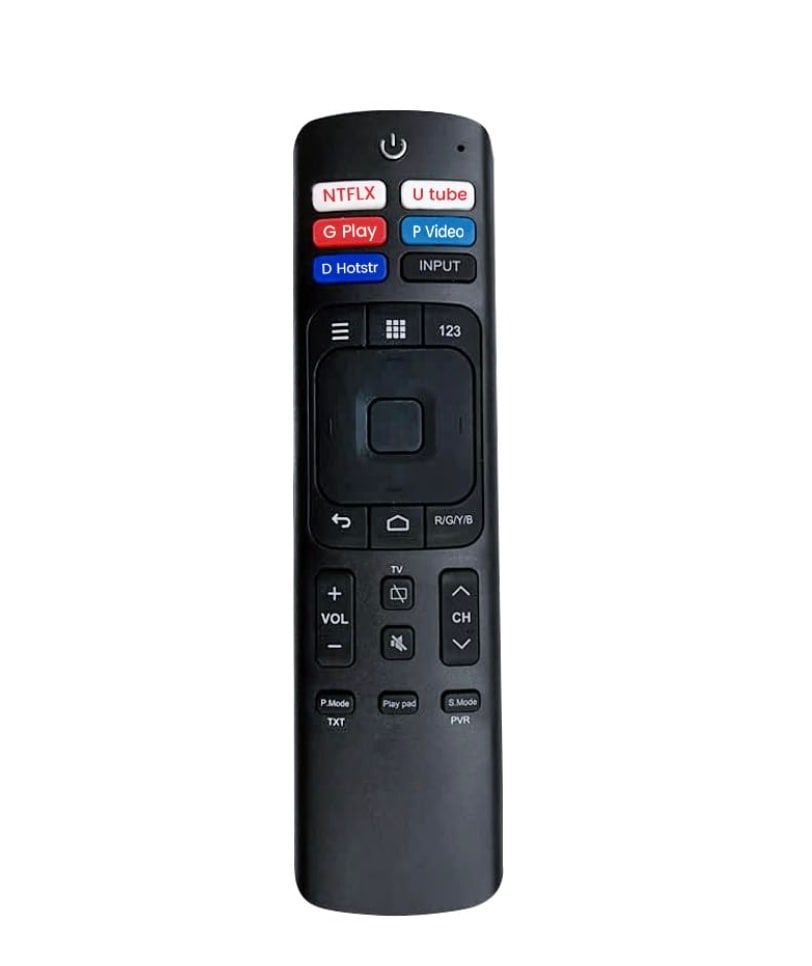
The blue button often provides advanced options or shortcuts. It can be used to:
– Access help menus
– Open additional navigation options
– Launch special interactive services
– On some smart TVs, the blue button may also connect you to digital services or interactive TV features. (Image: X)

Even though these buttons exist on most remotes, many viewers never use them because: – Their function changes depending on the device – Some TV services don’t support interactive features – Instructions for them are rarely explained clearly As a result, the buttons remain one of the most overlooked features on a remote control. (Image: Facebook)
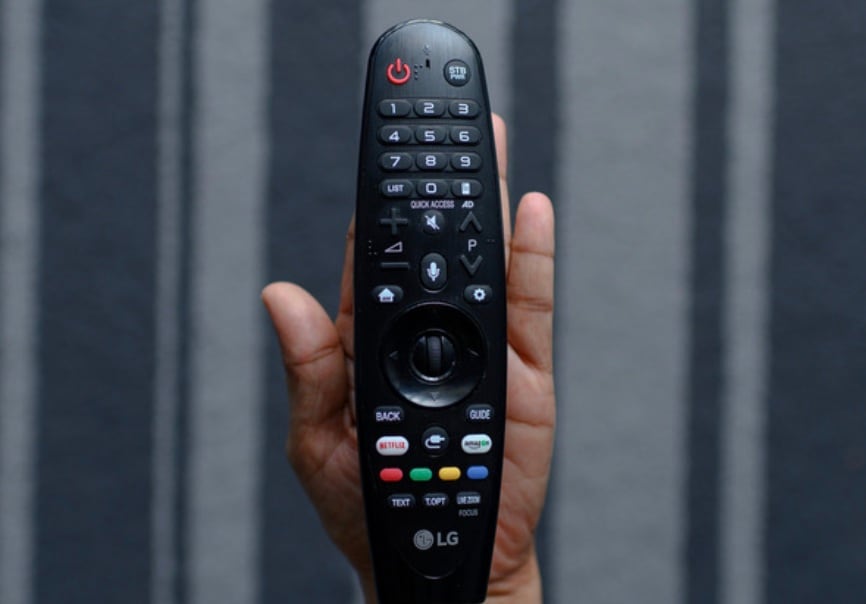
The yellow, green, and blue buttons are not random decorations on your remote. They are shortcuts designed to help you navigate menus, access extra features, and interact with your TV more easily. (Image: Facebook)
Next time you’re watching television, try pressing one of them while using a menu or TV guide—you might discover a feature you never knew existed. (Image: X)