
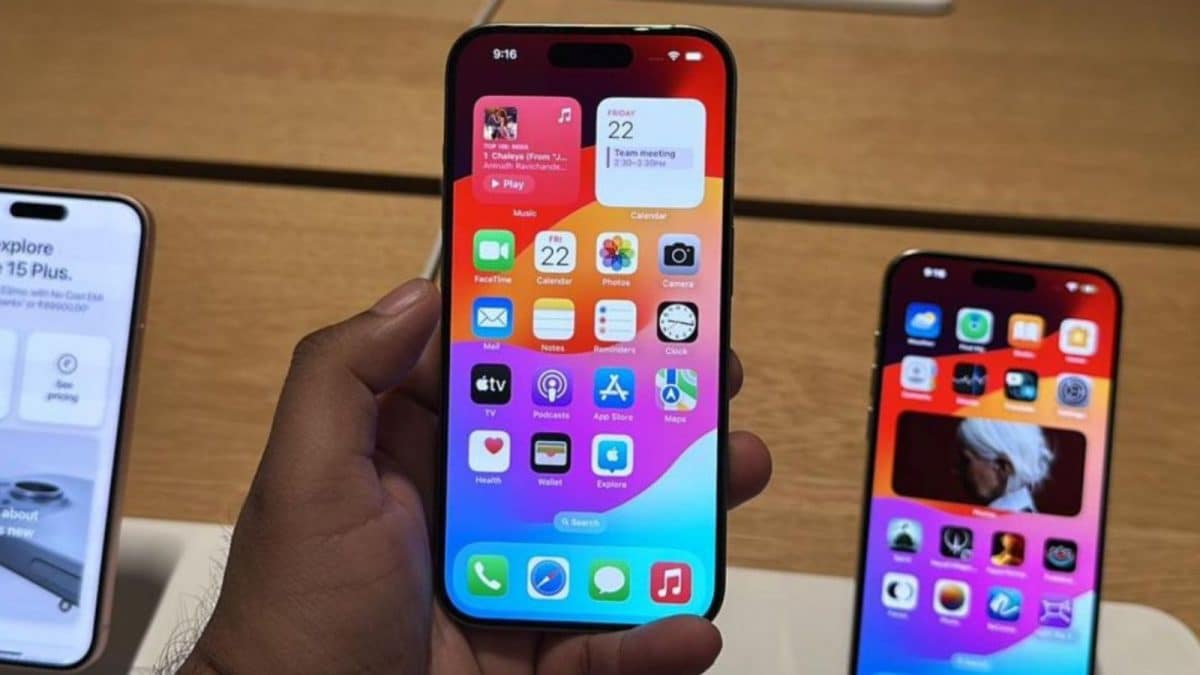
Apple released the iOS 26.3 update for all iPhone users this week, and as we have seen the beta versions, this update focuses on performance improvements, bug fixes and device stability.
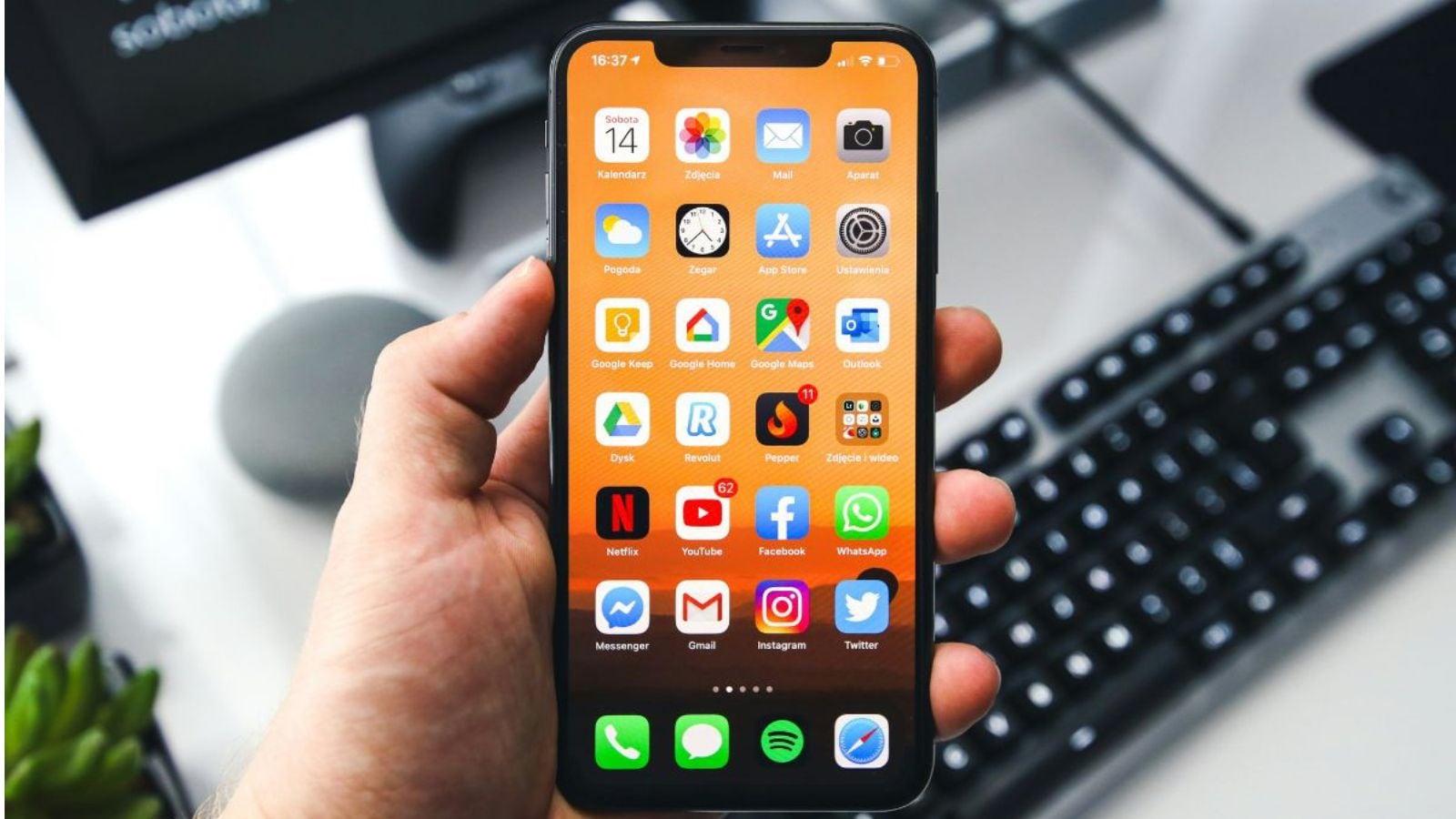
Now that you have got the iOS 26.3 public version, it is suggested that iPhone users should turn off the ability to receive further beta updates. You can do this from Settings – General – Software update where you will see the toggle button for beta updates.

The iOS 26.3 update brings a new security feature that will offer a quick fix for iPhone users without applying the full update and rebooting the device. It is called background security improvements and you can turn it on manually in the Settings – General – Software update section.
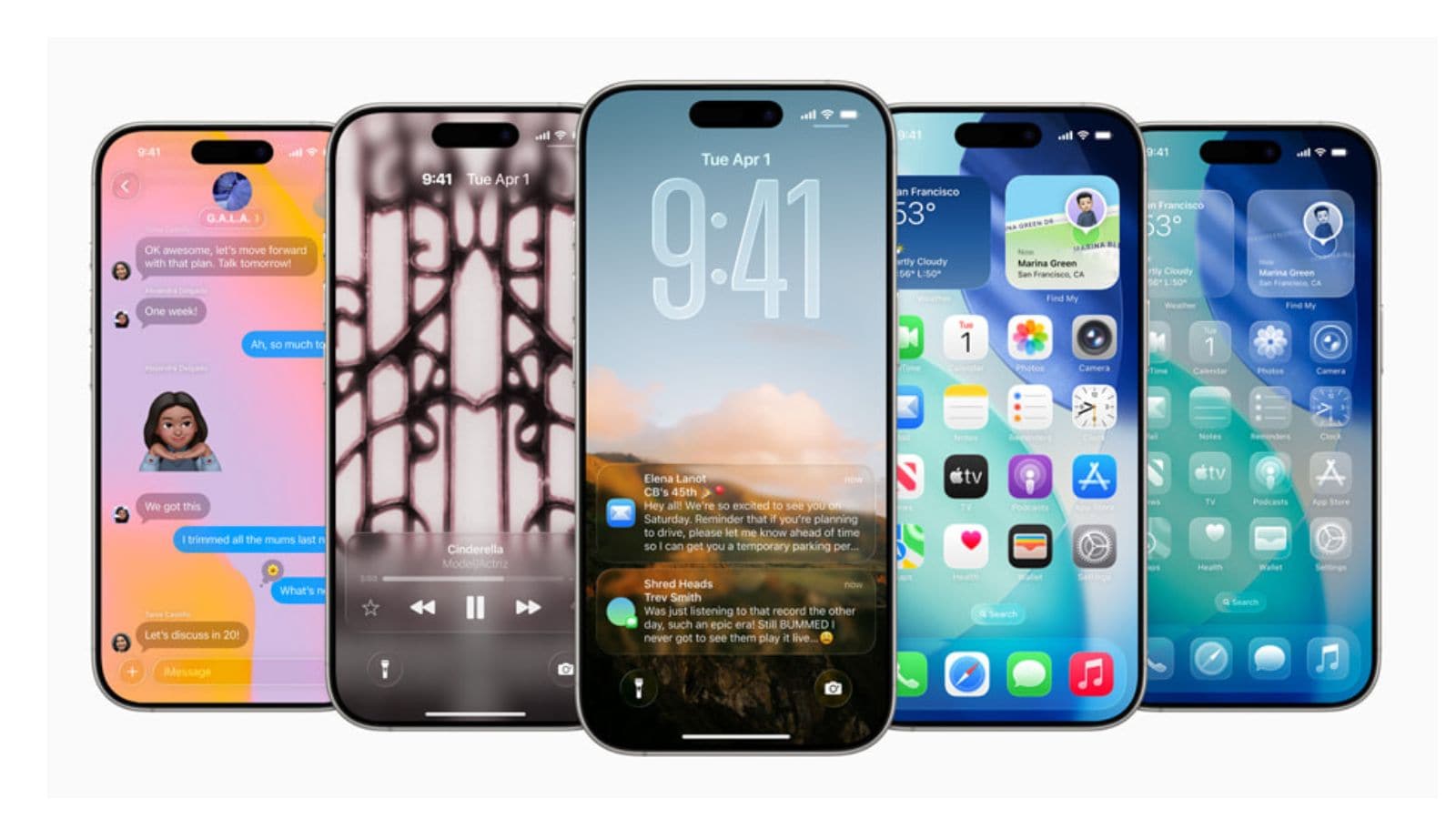
Most apps need location access to function on iPhone or any other device. But even then some of them seek permission which Apple is not keen about, so you get the option to disable their consent and stop them accessing your location data. You can do this by going to Settings – Privacy and Security – Location services and disable for apps.

Now that you have worked on making the best use of the iOS 26.3 update, time to update all the apps running on the device to keep them secure. You can do this from the App Store where you can click on Update all apps to get their latest versions.
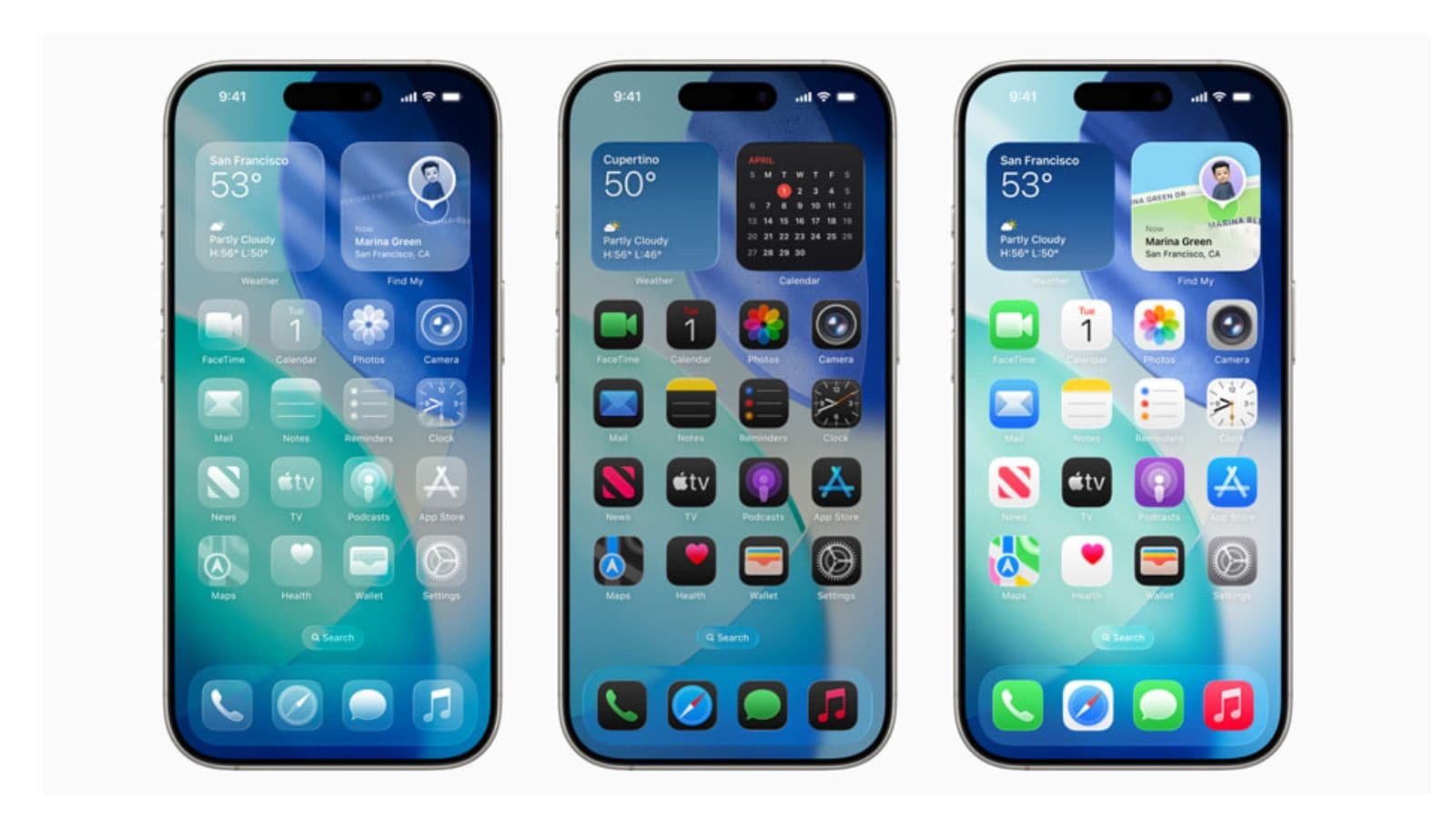
The update is done, all the app permissions checked. Now it is time to check the battery health and performance. Apple says the best level range is up to 80 percent and if your iPhone battery health is close to this number, it is time to replace the battery from the support center.