
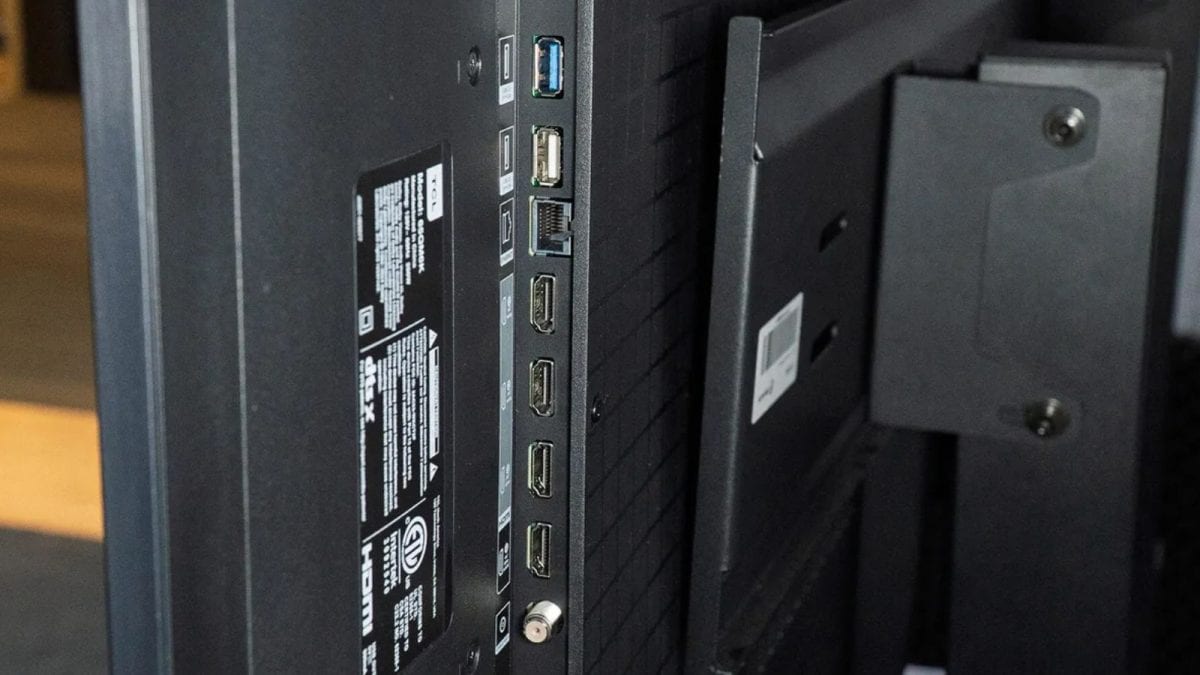
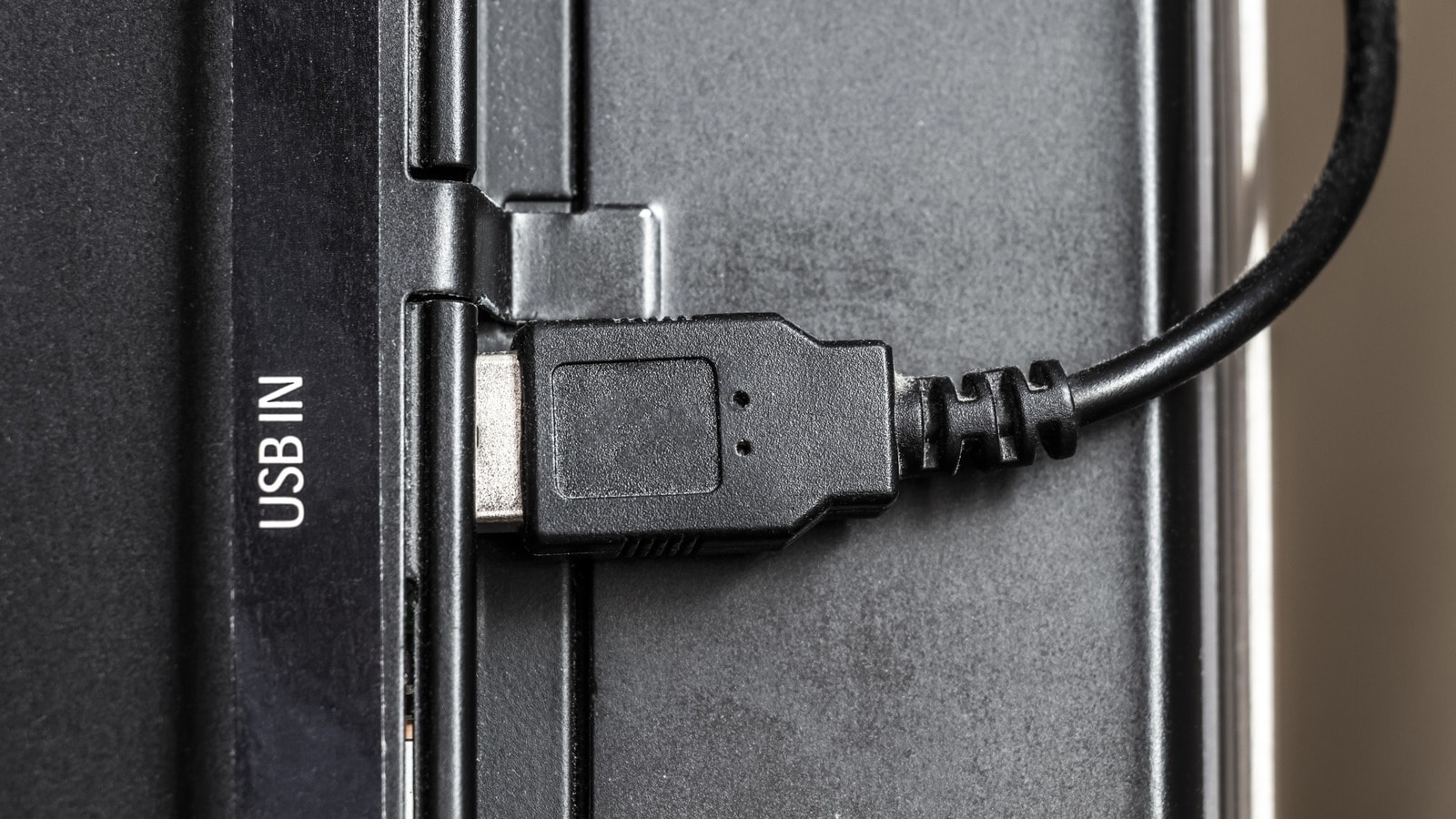
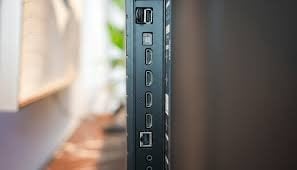
If you own a television, especially the modern type, you may have noticed a small USB port on the side or back of the screen. Many people use their TVs without realising what that one port can do. Often ignored, that post can unlock several useful features and turn your telly into something more than just a device used for watching shows and playing videos.
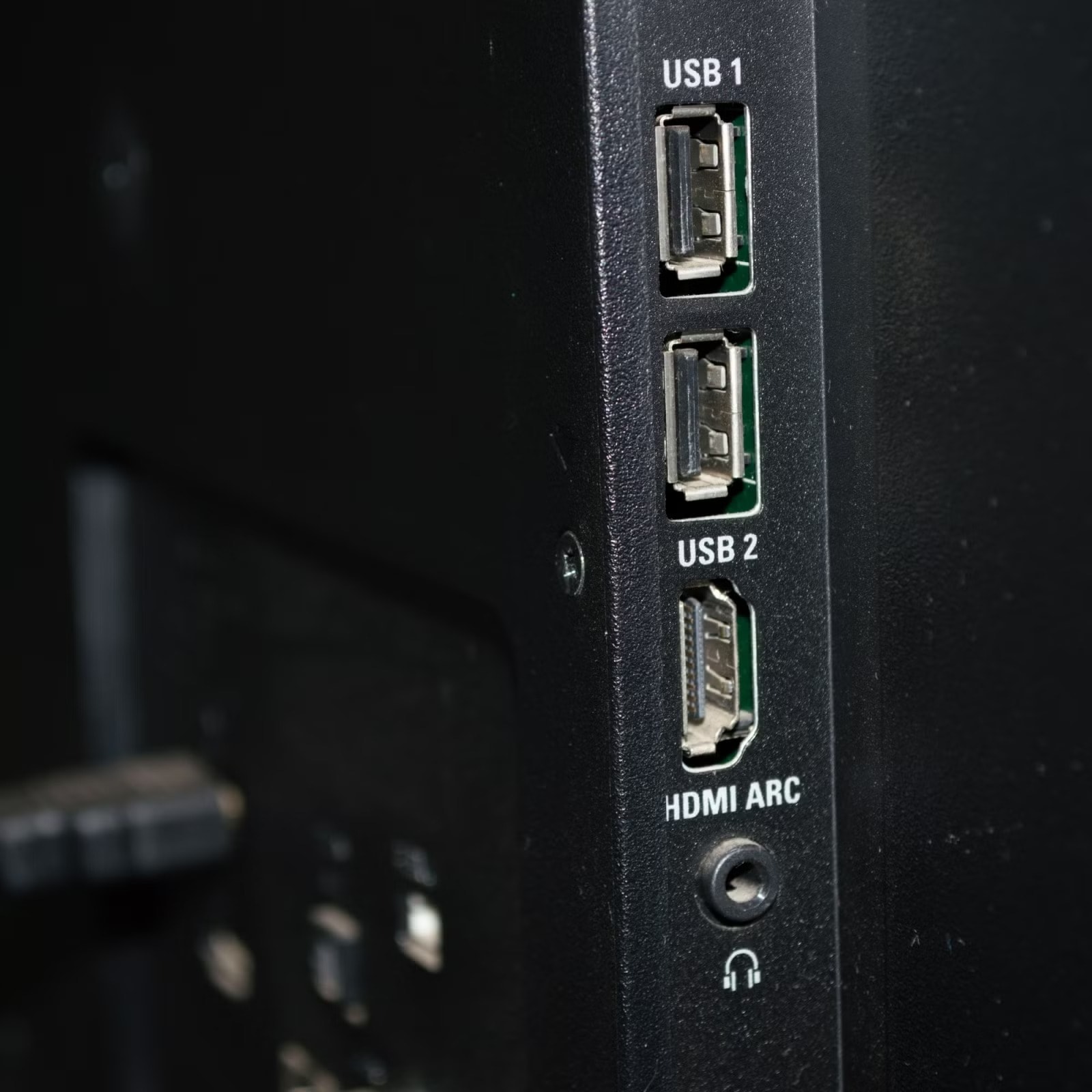
Most modern smart television sets come equipped with at least one USB port, yet many people do not know what it is for. That one port can help turn your TV into a more functional device, with features like storage and recording, and you can also plug in a mouse or keyboard to browse.
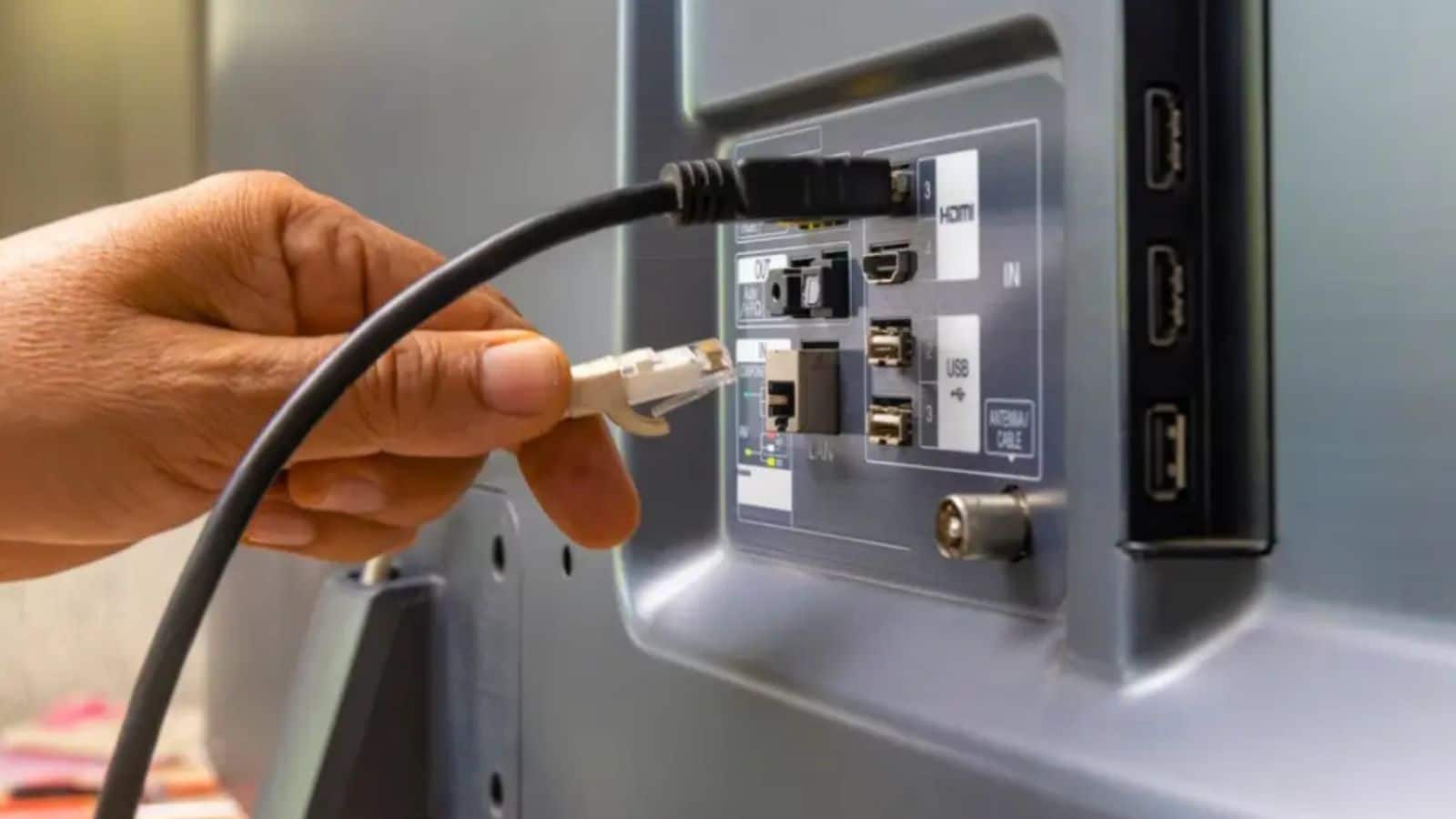
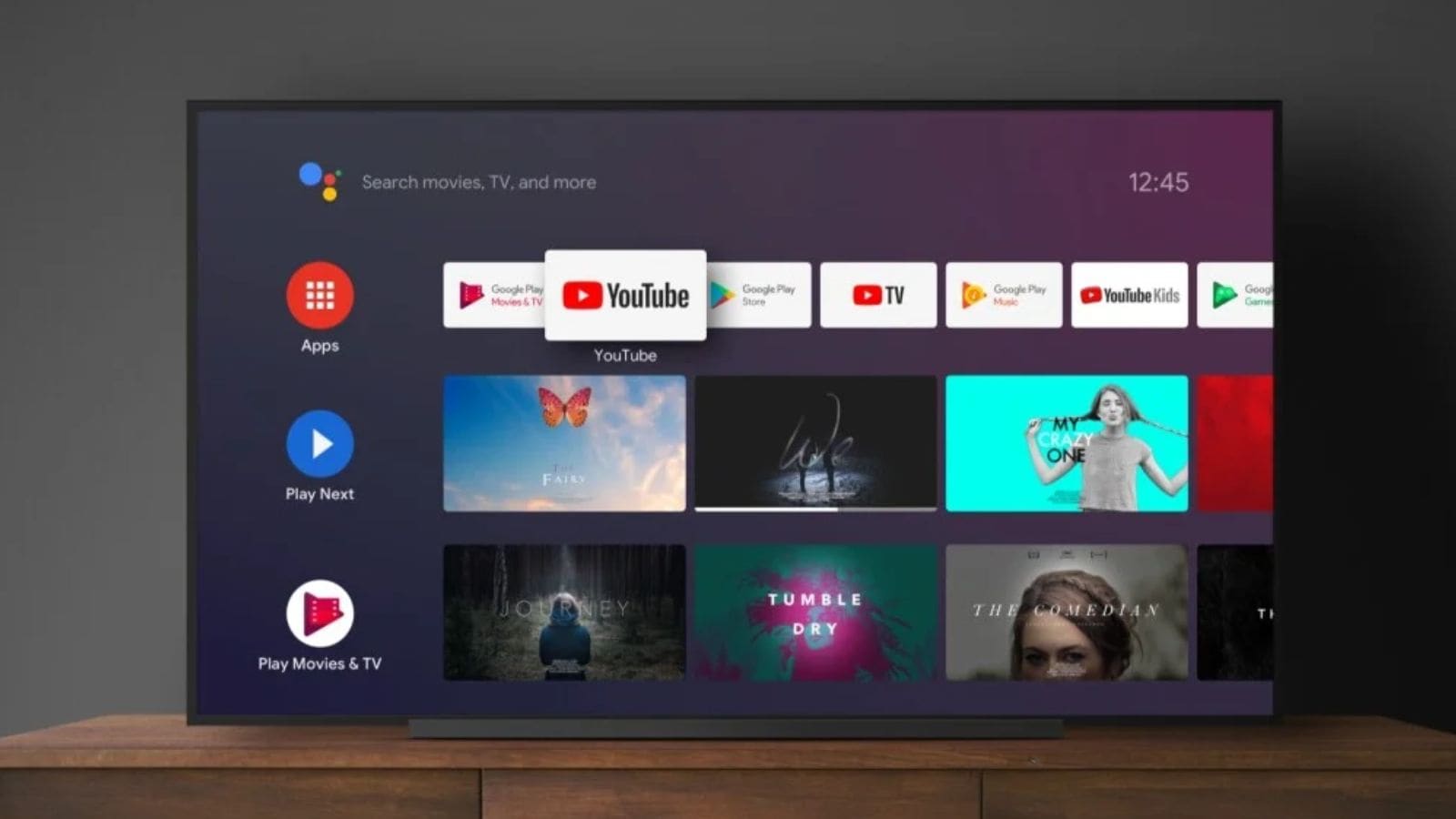
One of the most useful ways to use your television’s USB port is to plug in a flash drive to expand its storage. Most modern sets come with limited storage, and if you ever run out of space for apps or updates, you can always plug in an external storage device through that port and use that extra memory.
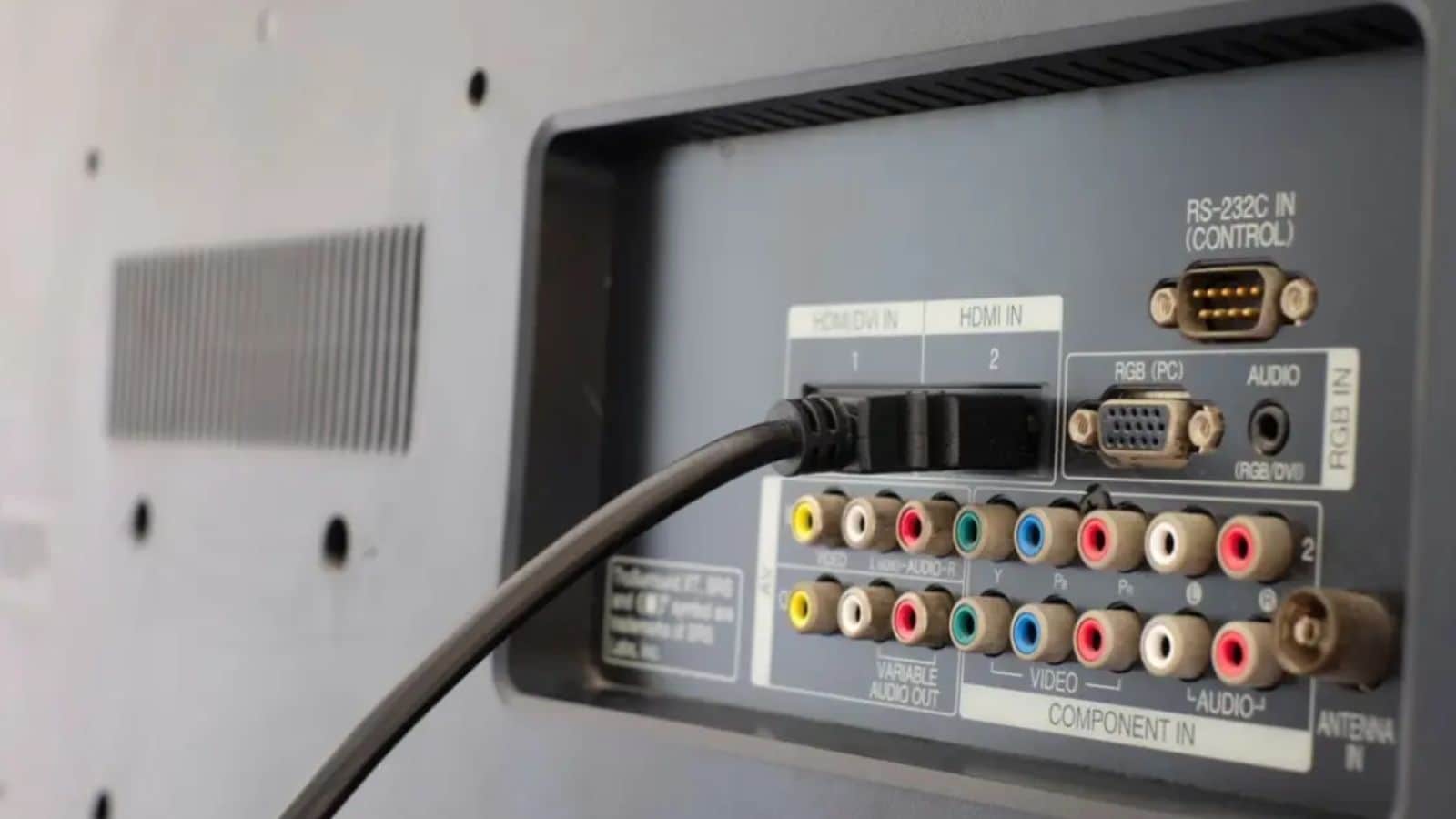
Some televisions also support recording shows directly onto a connected USB device. So, next time, you miss your favourite program due to time constraints, you can save it on the TV itself by recording it into a basic recording system, similar to a digital video recorder, without the need for extra equipment.
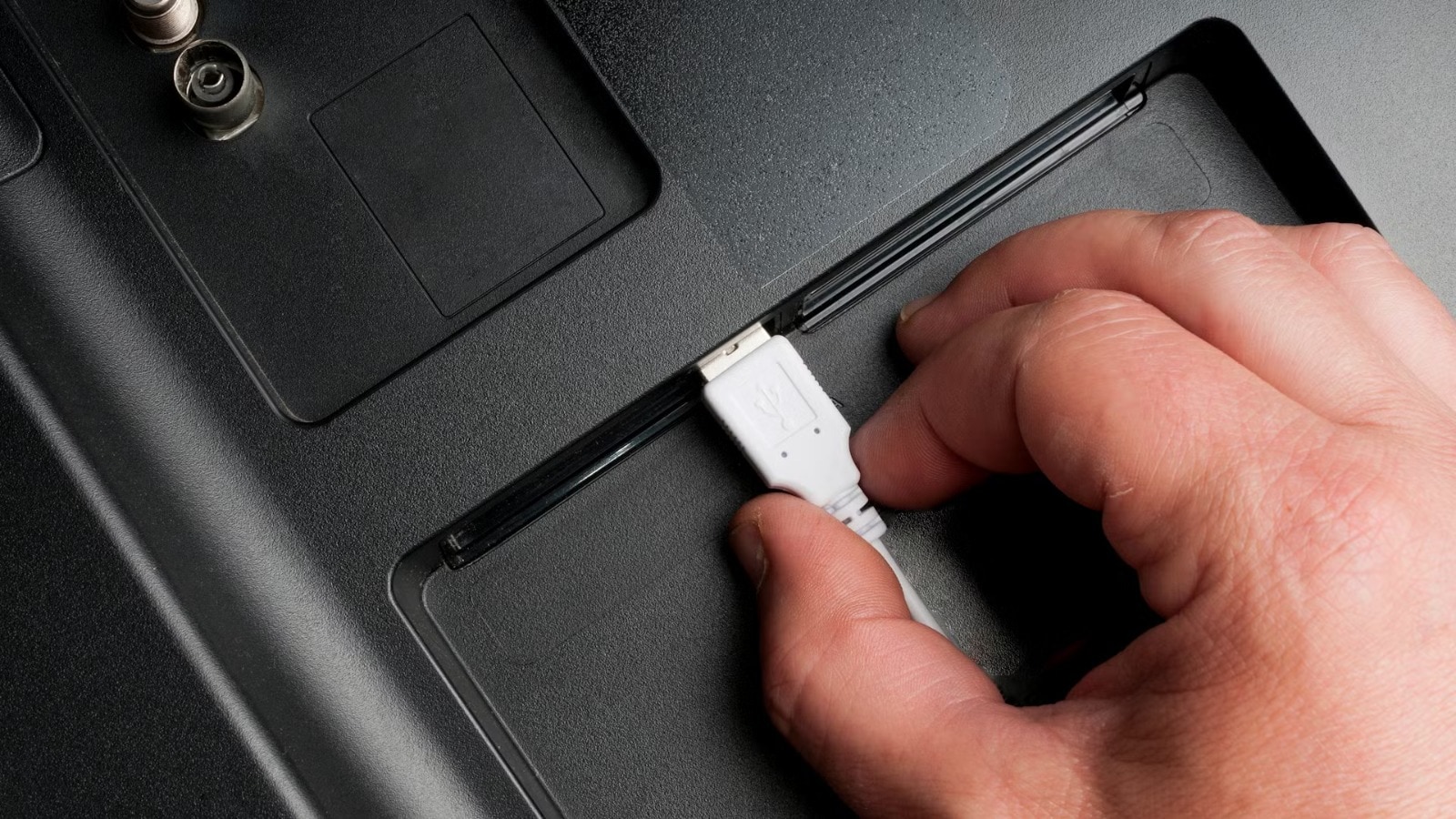
The USB port also supports common video formats, which makes it easy to play movies, personal videos, and home recordings on a bigger screen. Instead of crowding around a phone or a laptop, which comparatively have smaller screens, one can just plug in a USB drive and enjoy their content together on the television with minimal setup.
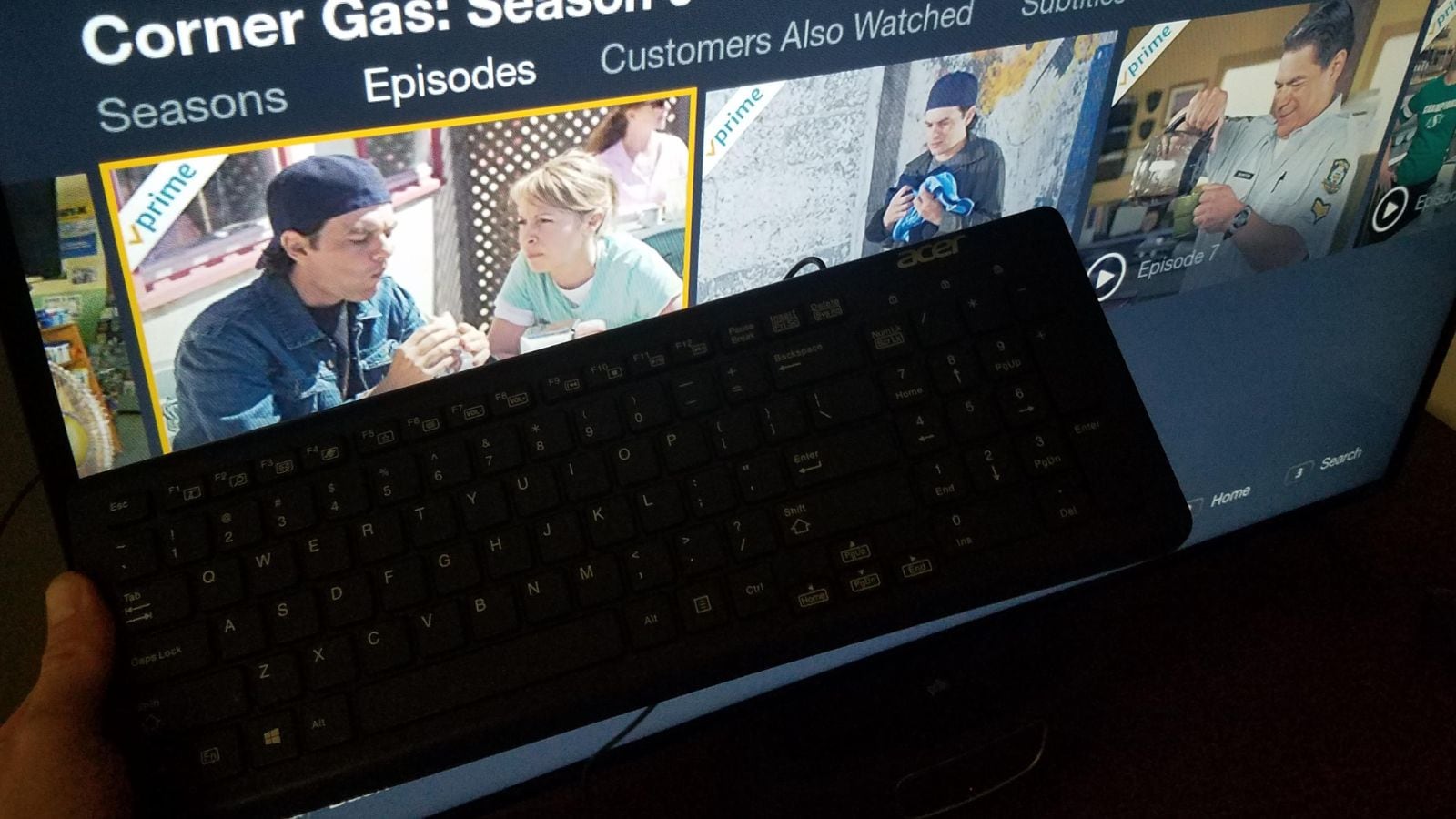
Besides watching content, storing or recording, the USB port can also change what you do on TV. Many smart TVs allow users to connect a keyboard and mouse to browse the Internet, provided there is a proper connection. This can be helpful for searching online or using apps.
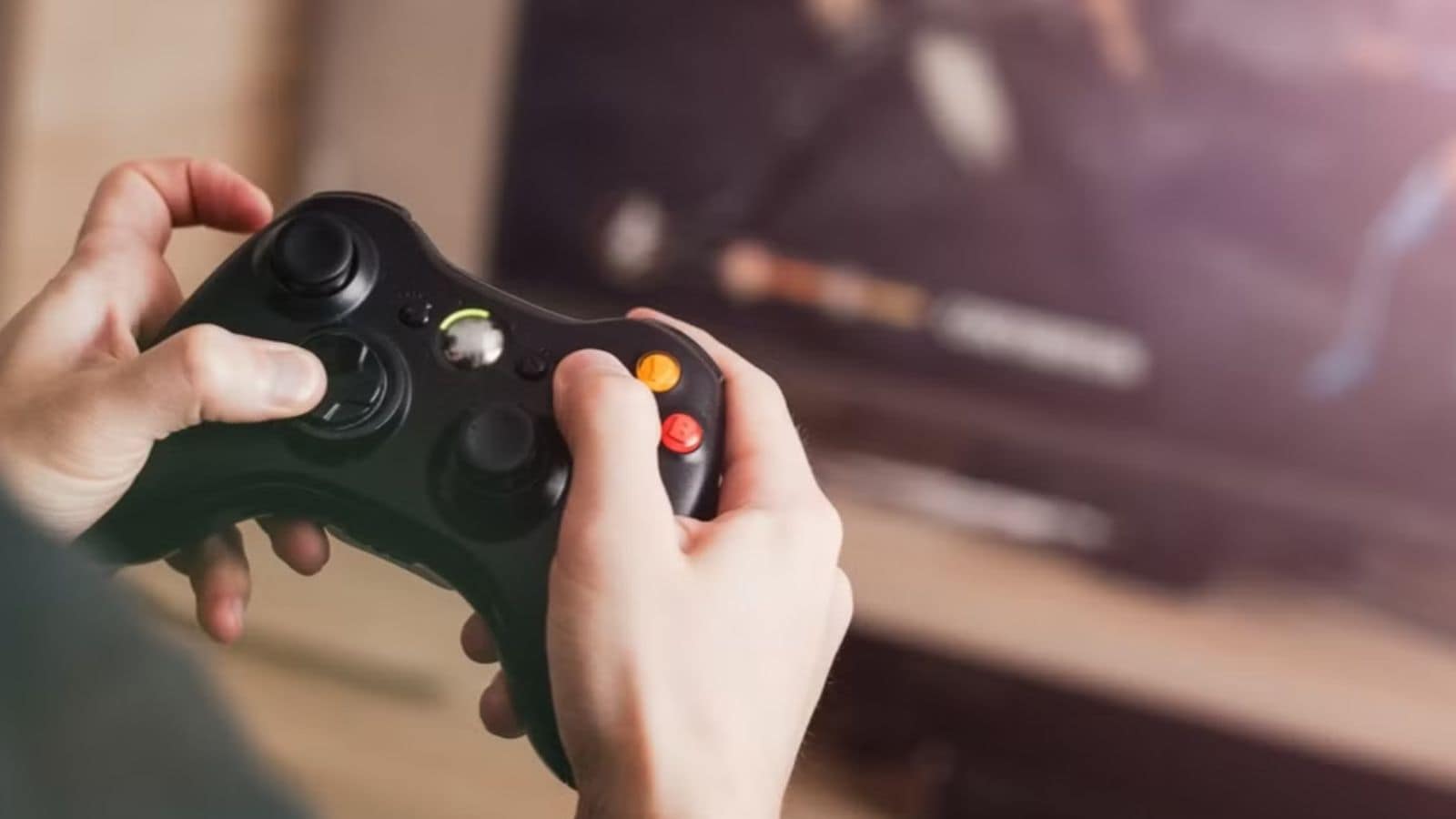
If you love playing video games, turn to your TV ASAP for a bigger, better display. Some modern television sets allow users to connect a game controller through the USB port. This lets users play compatible games directly on their telly without needing a separate gaming console. While it is not on par with gaming systems, it is a good option if you are into casual gaming at home.
Another practical use of the USB port is screen mirroring. With a USB-C to USB-A adapter, one can connect their smartphone to the TV and display its screen on a larger screen. This can come in handy when you are presenting something or participating in online meetings and need a bigger screen.
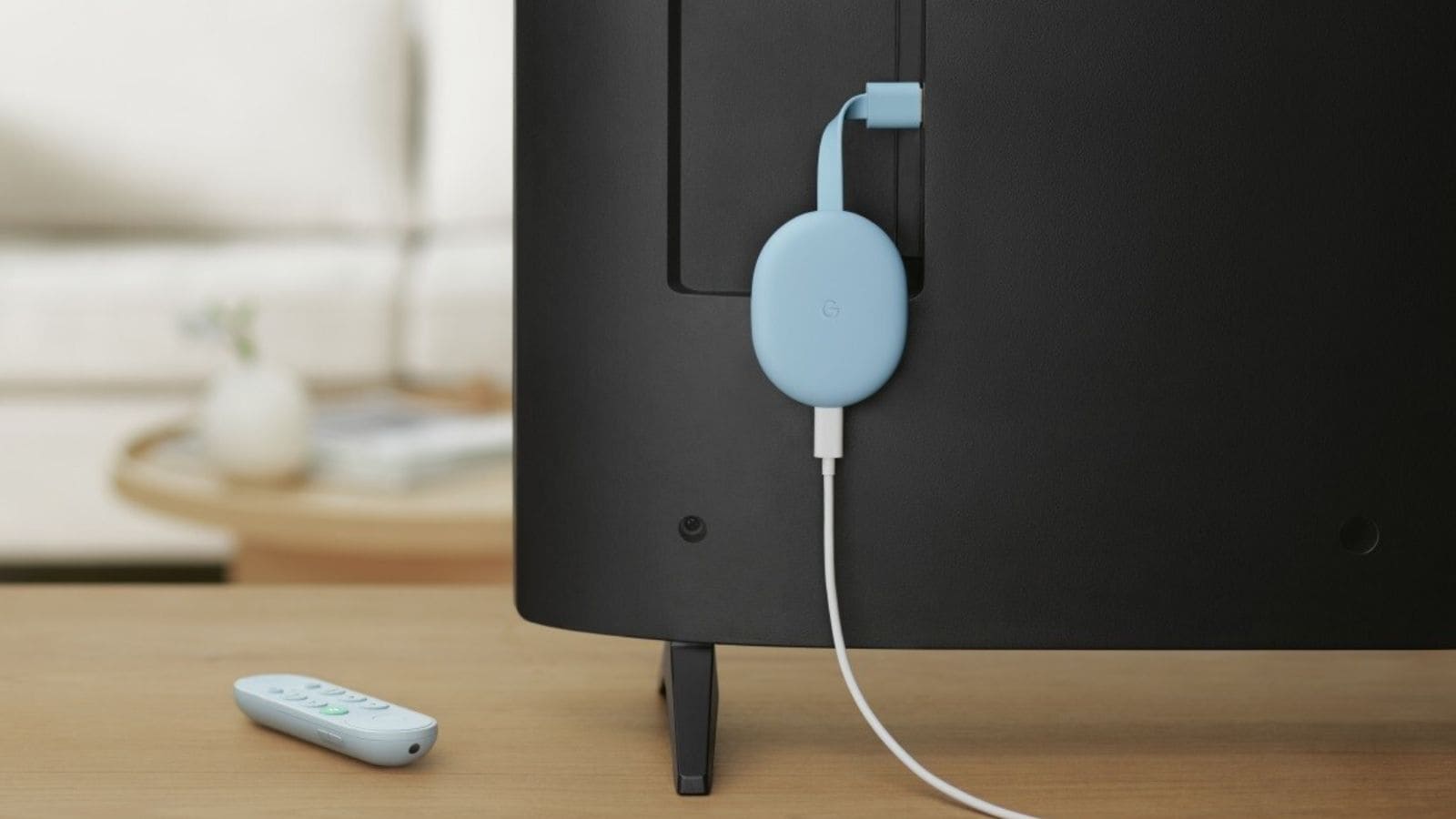
If you thought these were the best uses of the USB port, wait until you plug your phone’s charger into it and watch it become a power source. Since TVs are plugged into power sockets, one can charge their phones, tablets, or other such devices through them. Remember, only devices with lower power than your TV.
Such a feature comes in handy when all the sockets in your home are occupied by other devices, your adapter is missing, or you forget to bring your charger. You can also charge your device while watching something on your TV. So, which one of these features do you think is most useful?