
Last Updated:
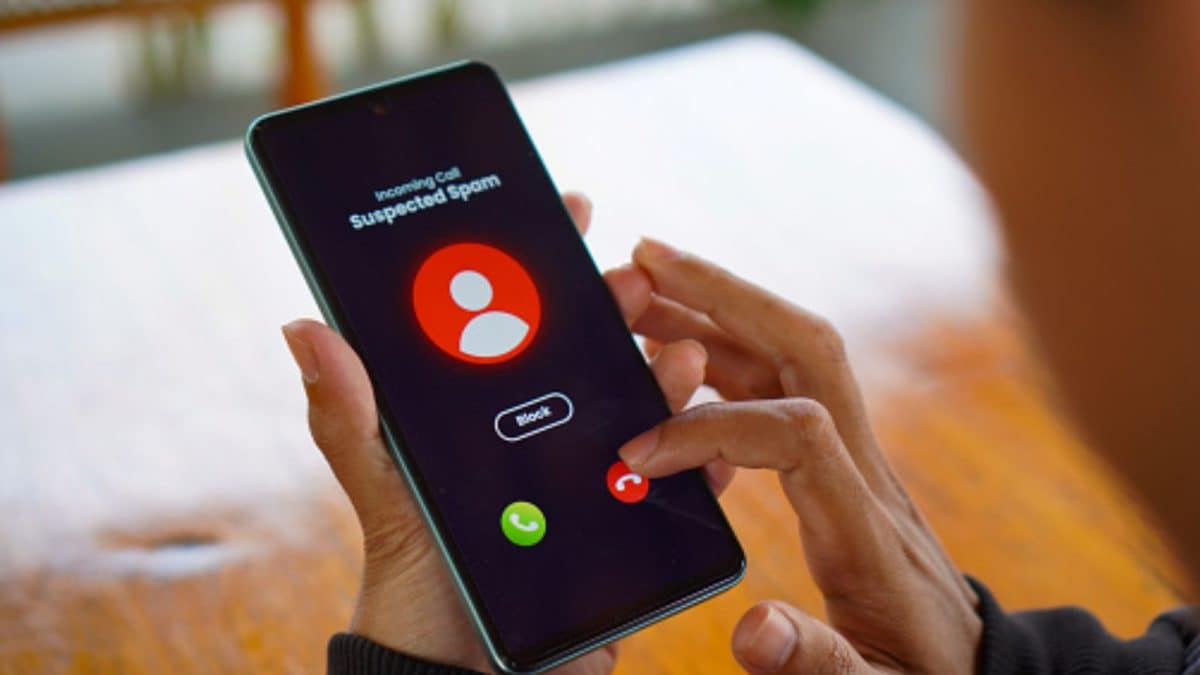
iPhone users can now easily block spam calls thanks to the new feature rolled out by Apple with the iOS 26 version.
Spam calls are a nuisance for everyone and it doesn’t matter if you use an iPhone, an Android phone or even a feature phone. These spammers just need your number to pester you and most likely call at an important time of the day, whether it is linked to your work or you being on the road.
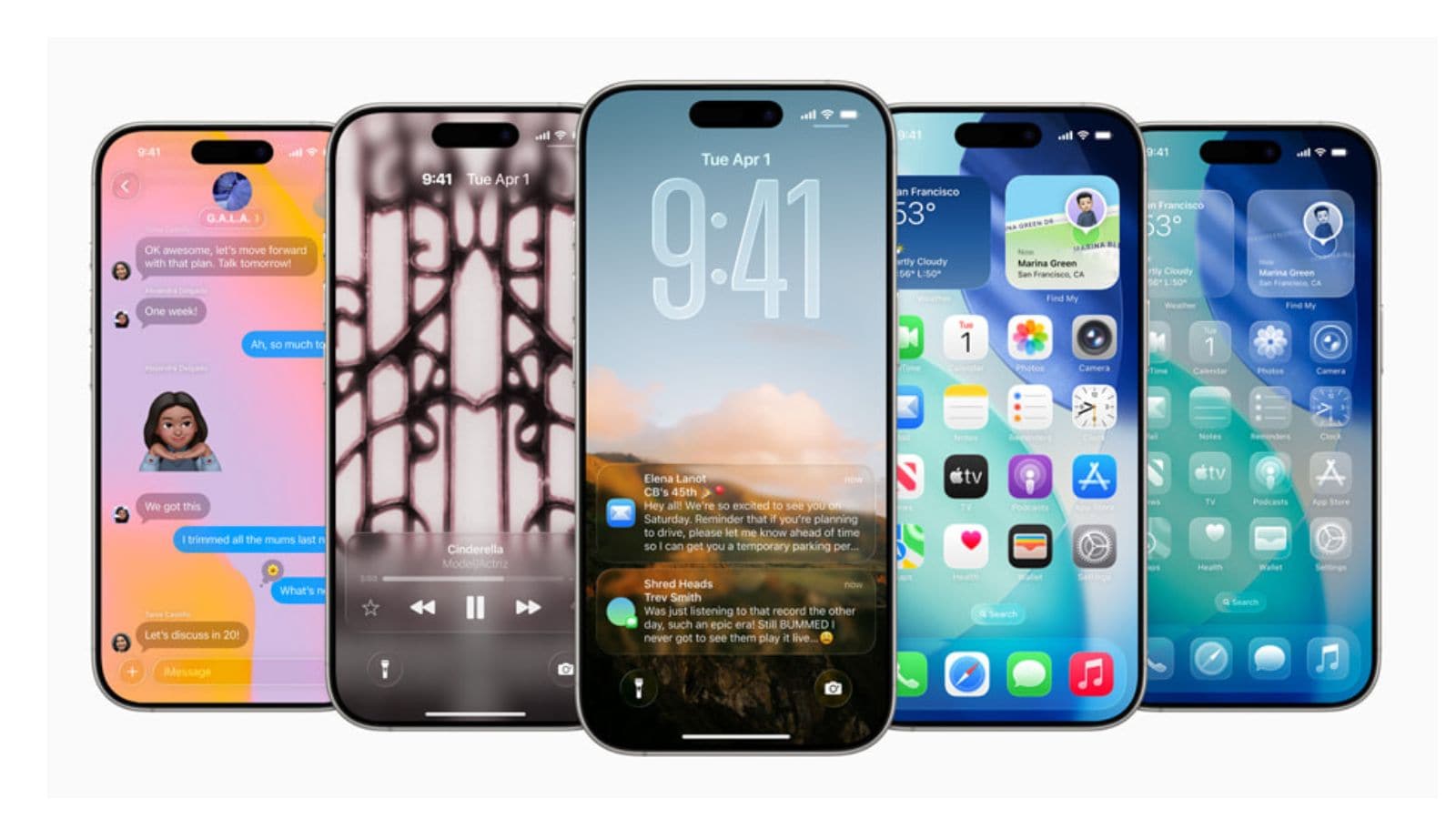
The iOS 26 update was Apple’s biggest revision not only in terms of the number but also the features and the overall interface for the iPhone users. However, spam calls getting tackled is one of the underrated additions that may have missed the highlights compared to Liquid Glass design and more.
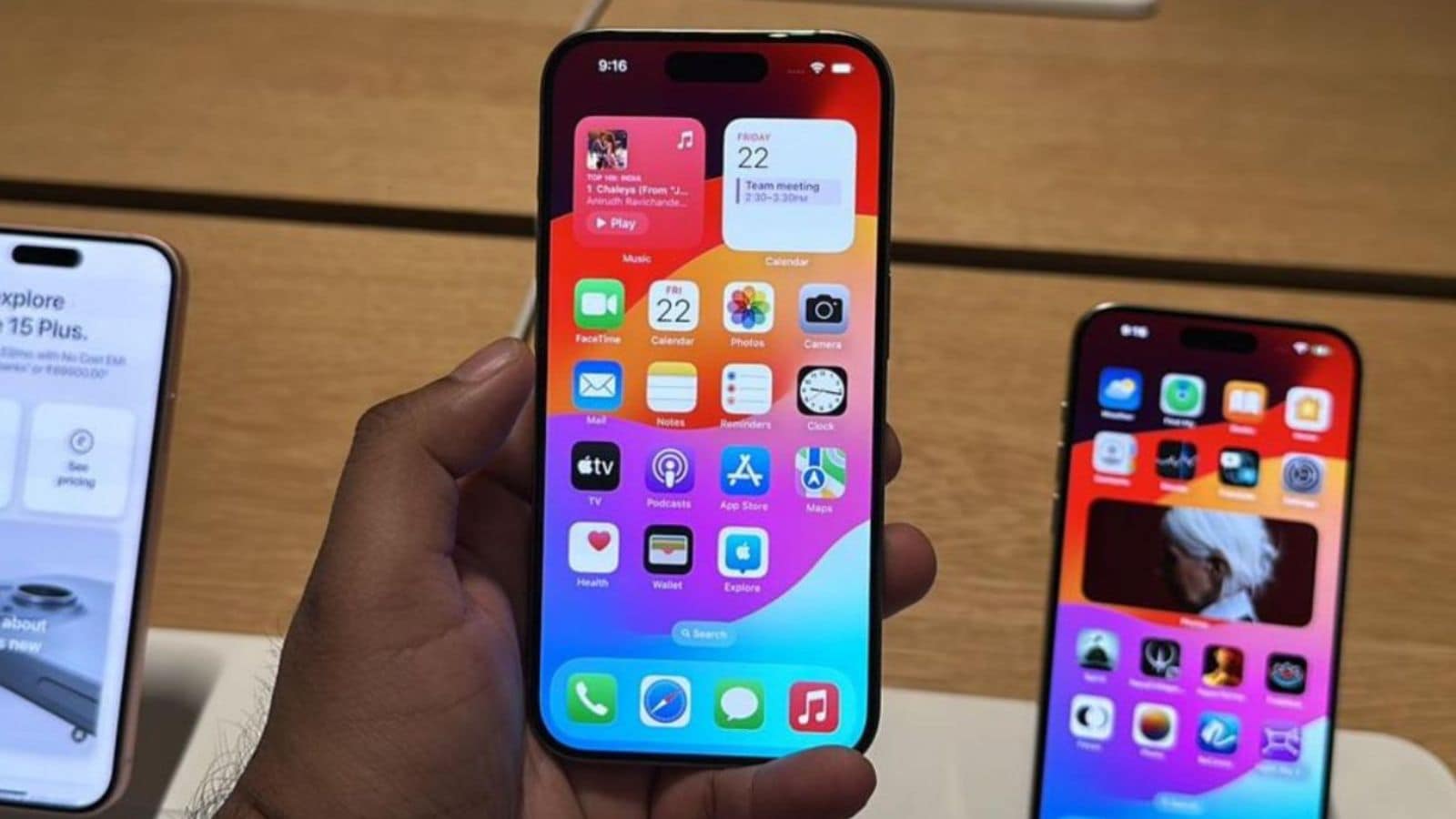
This new feature disguises your call with a robot voice and answers the spam calls and enquires them for the reason to call you. During the call you can see the transcript of the call in text and decide whether you want to answer or leave.
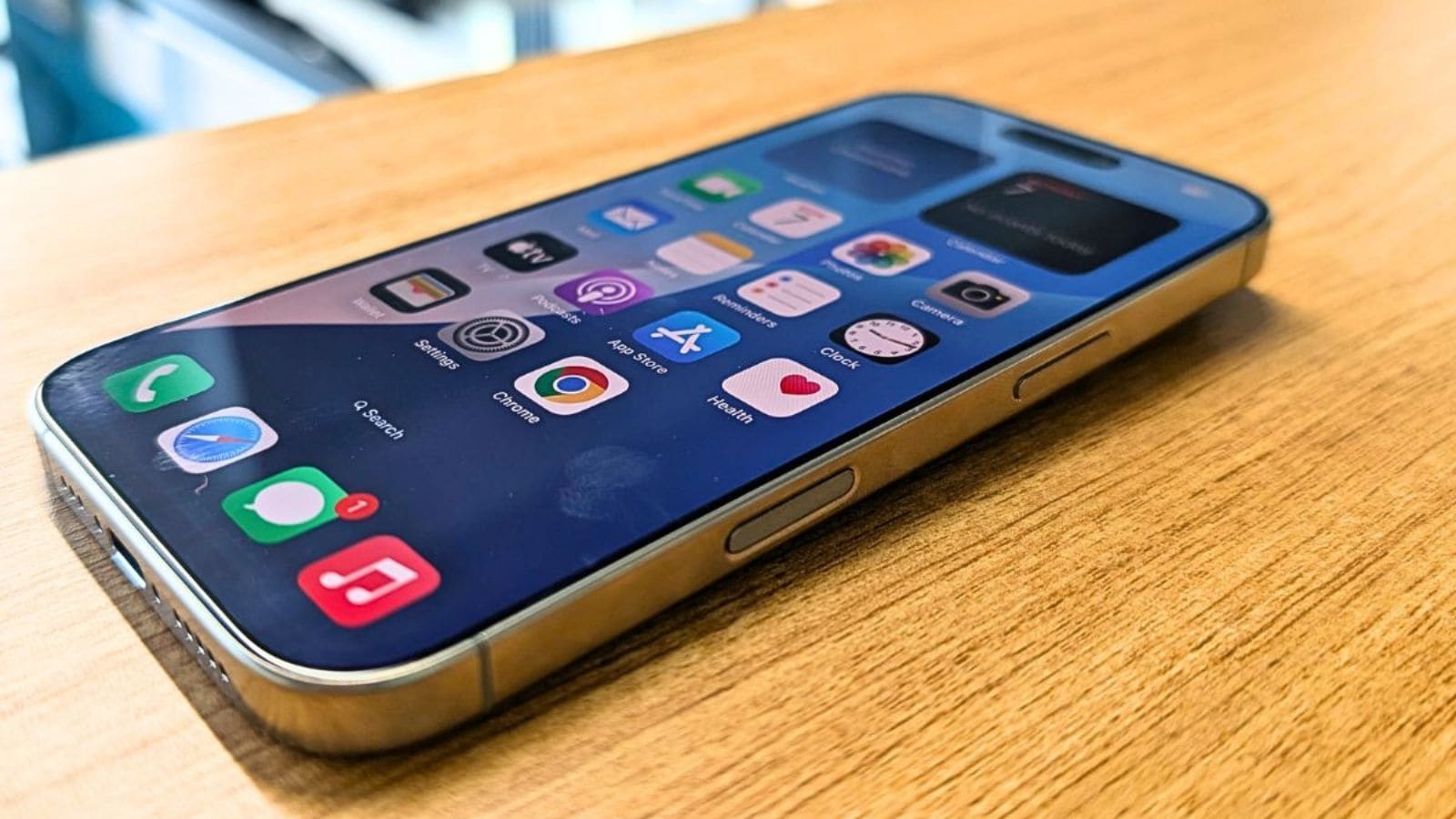
You can set it up by going to the settings in your iPhone, tap on apps – phone to see the screen unknown callers option, and select Ask reason for calling to enable the feature.
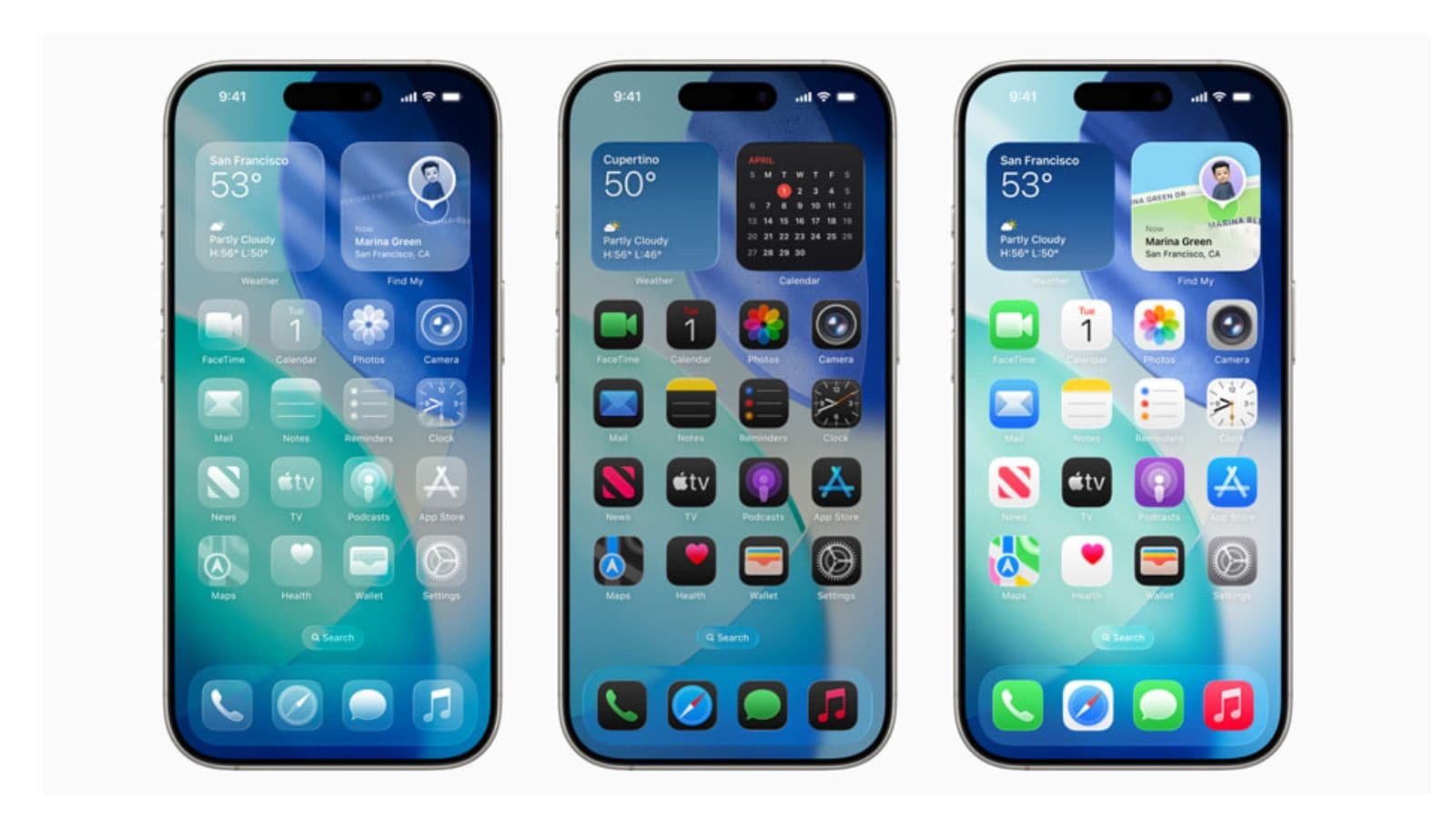
The screen calling is also able to let you block them completely or give access to contacts added to your list and hide all the other numbers. But chances are you could miss an important (delivery or even a doctor’s) call with that enabled.

iPhone users do have some third-party apps like RoboCaller, Hiya and Truecaller which work to a good effect (but not as strong as the Android version) and can be tried out by the iPhone users.