

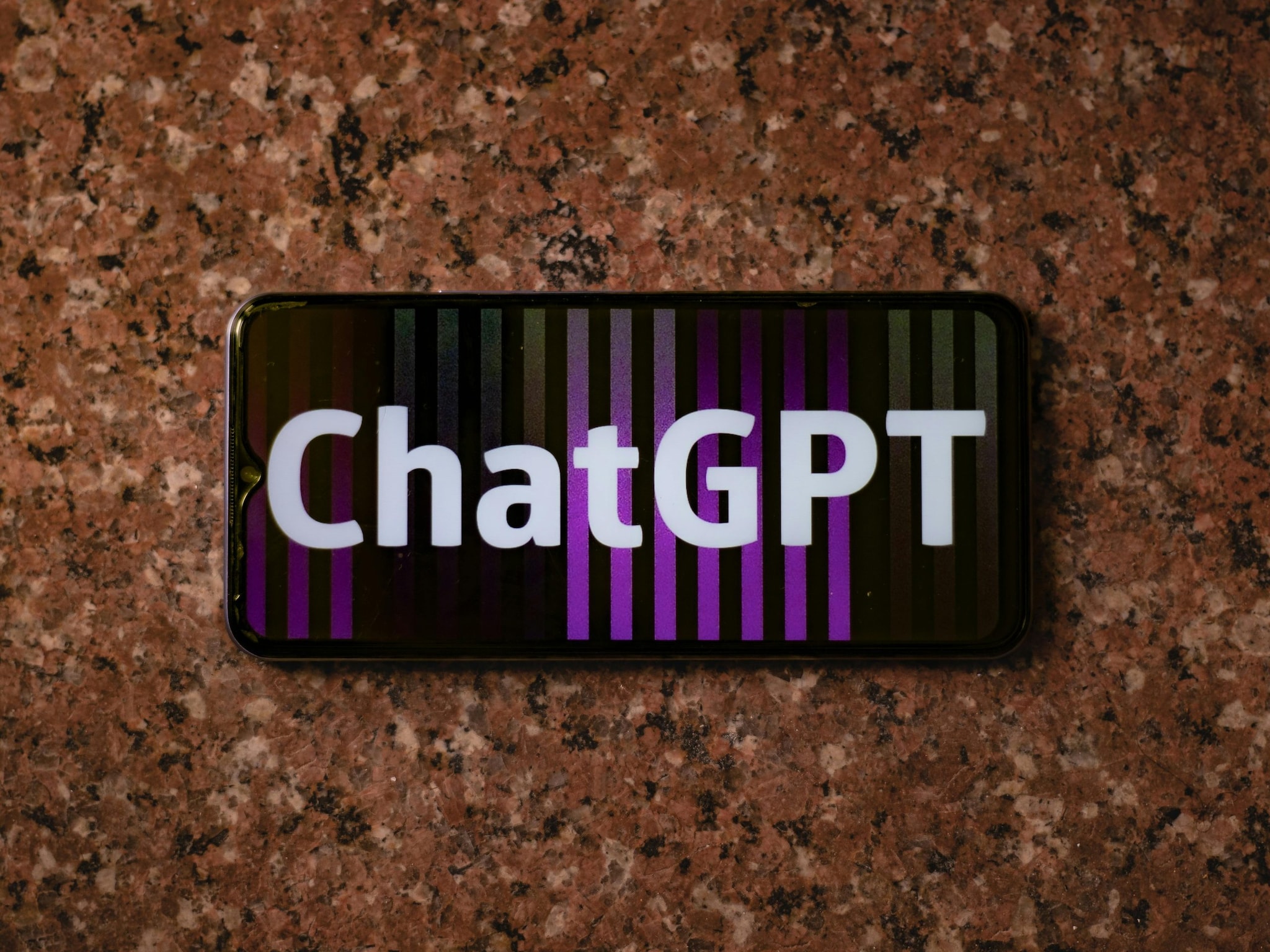
The festive season has a new digital tradition: ChatGPT Wrapped 2025. Much like Spotify Wrapped, this feature transforms your year of conversations with ChatGPT into a colourful, shareable recap. It highlights your most-used prompts, quirky habits, and even suggests a personalised “ChatGPT Anthem” to capture the vibe of your interactions. If you’ve been curious about how to generate your own Wrapped, here’s a step-by-step guide. (Image: Pexels)

ChatGPT Wrapped is a year-end digest that analyses your chat history over the past 12 months. It breaks down your usage into categories such as: Work dilemmas; Study aids; Creative brainstorming; Gadget recommendations. Alongside these, you’ll see metrics like total sessions, favoured features, and a fun “You in One Line” descriptor that sums up your rapport with the AI. The highlight is the 2025 ChatGPT Anthem, a song suggestion that mirrors the mood of your conversations. (Image: AI-Generated)

Step 1: Sign in and enable Memory
– Open the ChatGPT app or visit the website.
– Make sure you’re signed into the account that contains your full chat history.
– Go to Settings → Personalisation → Memory and toggle it on if it’s off. Memory is essential because Wrapped pulls from your past conversations. (Image: AI-Generated)

Step 2: Use the magic prompt
In the chat interface, type or paste this exact prompt: Make me a ChatGPT Wrapped summary like a Spotify Wrapped showing my usage this year. Want to customise? Add specifics like “focus on my work chats” or “highlight my creative prompts” to tailor the recap. (Image: AI-Generated)

Step 3: Let ChatGPT do the work
Hit Enter. Within seconds, ChatGPT will scan your interactions and generate a vibrant summary. Expect categories, stats, and your anthem to appear in a neat, digestible format. (Image: AI-Generated)
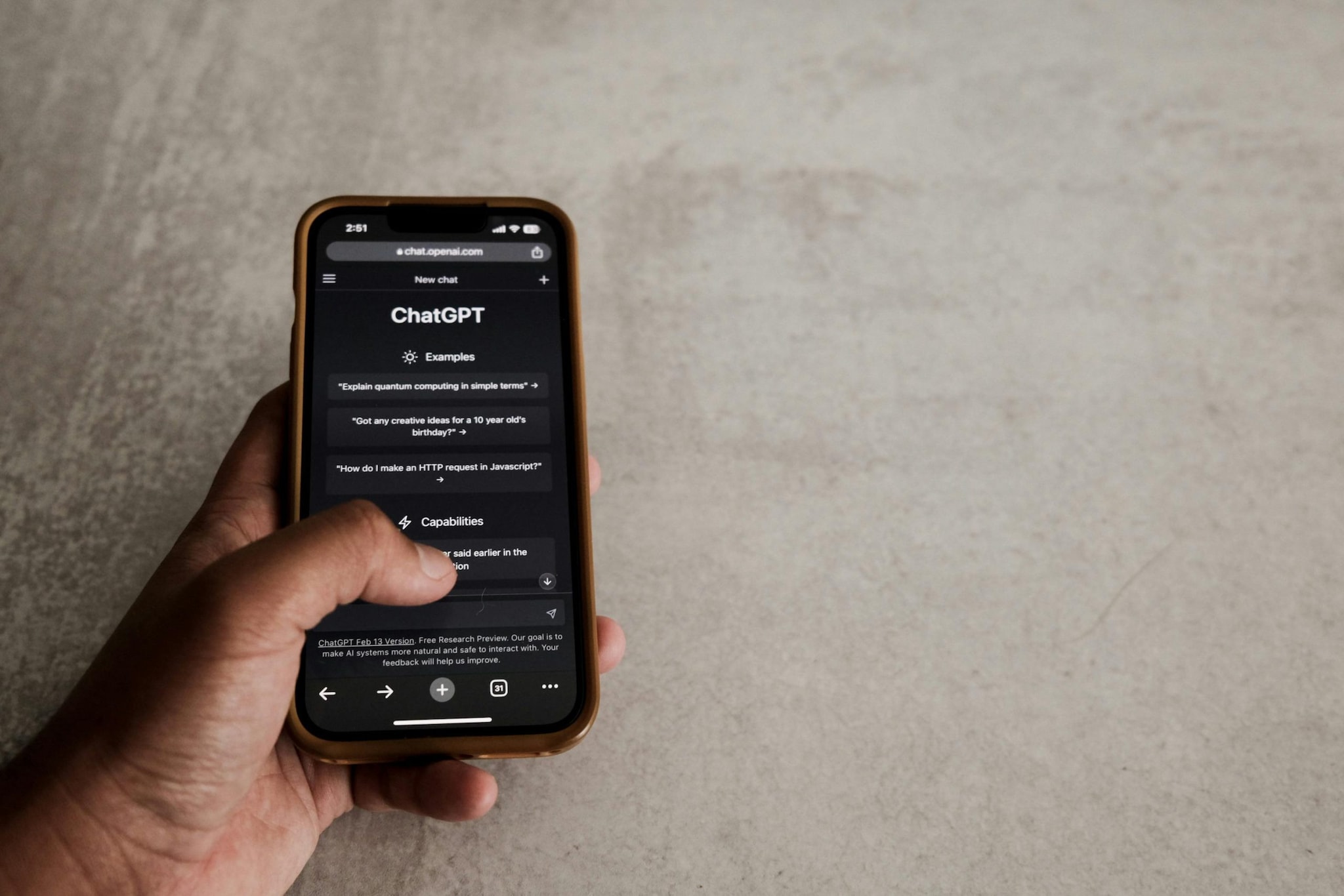
Step 4: Review and refine
– Scroll through the recap; you might rediscover forgotten gems.
– Ask ChatGPT to expand sections, like “show me more about my study prompts”.
– For social sharing, follow up with: “Turn this into a social media graphic”. You’ll get a polished version ready for Instagram, X, or LinkedIn. (Image: Pexels)

If your chat history is sparse or Memory is disabled, don’t worry. ChatGPT can generate a fictional Wrapped for fun. While it won’t be authentic, it’s still a playful way to join the Wrapped season. (Image: AI-Generated)