

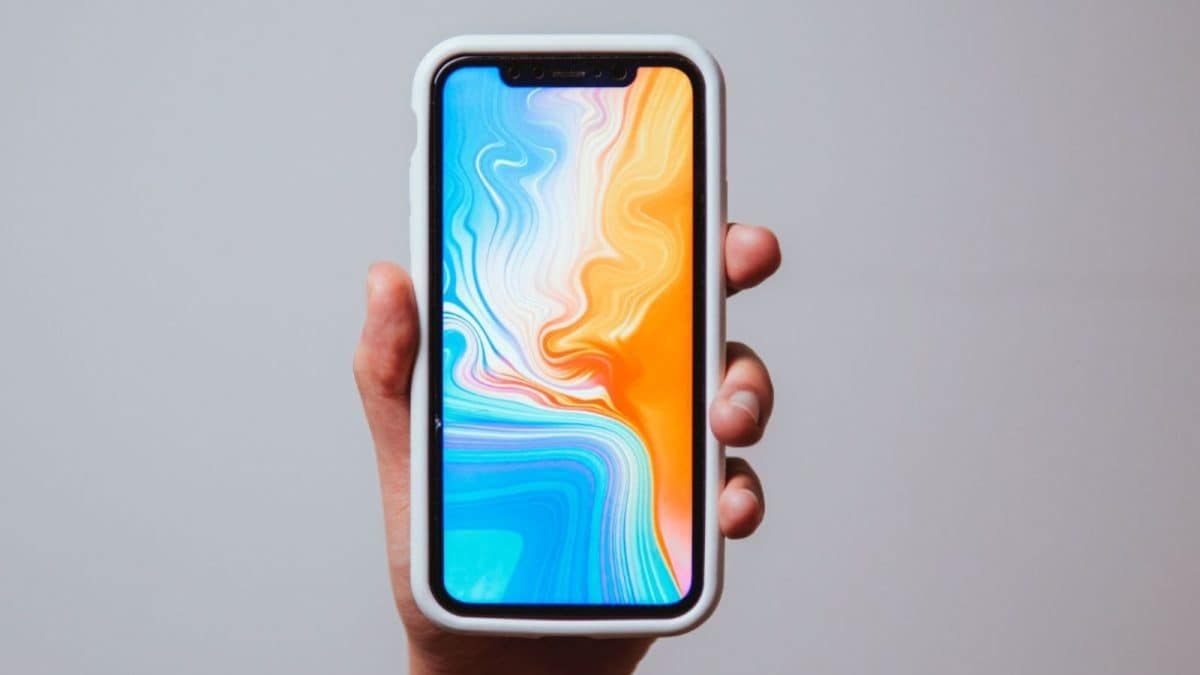
The most crucial element of our smartphone experience is the screen, and the wallpaper we set plays a major role in how visually appealing the device looks. However, many people still wonder whether changing the wallpaper affects battery life. Although the question sounds simple, the answer depends on several technical factors, including display technology, GPU load, colour composition, and animations.
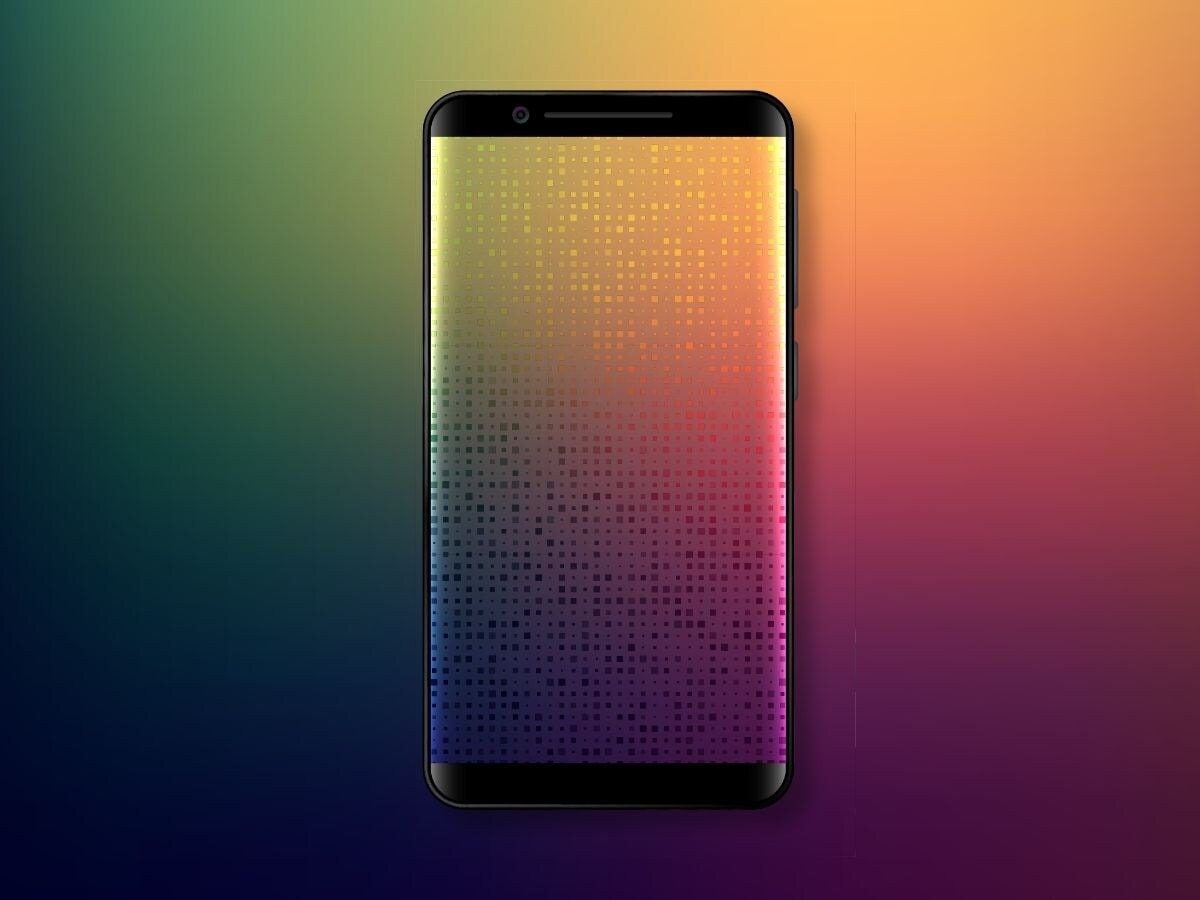
Static wallpapers, or simple photo backgrounds, merely sit on the screen. They do not continuously perform tasks, and the GPU does not keep re-rendering them. As a result, their effect on battery life is negligible. During normal use, it is the screen brightness and running apps that consume battery, not the static wallpaper.

Live or animated wallpapers, however, significantly drain the battery. These moving, animated, or 3D backgrounds look attractive but require constant frame rendering, keeping the GPU and CPU active at all times. Some of these wallpapers also use sensors, and their animations consume additional RAM. On phones with high refresh-rate displays, such as 90Hz or 120Hz, battery drain can increase by 10% to 25%.

There is also a considerable difference between LCD and OLED/AMOLED displays. In OLED screens, each pixel emits its own light. When the screen displays black, those pixels switch off completely and use no power. Therefore, using black or dark wallpapers turns off many pixels, conserving energy and improving battery life. This is why dark mode and black wallpapers are considered more efficient on AMOLED phones. Conversely, white or bright wallpapers cause all pixels to work at full intensity, leading to higher power usage.
On LCD screens, wallpapers hardly make any difference. LCD panels use a backlight that remains on all the time. Whether the wallpaper is black or white, the backlight continues to consume the same amount of energy. The difference in battery usage is negligible, so LCD users need not worry about wallpaper colour affecting battery life.
High-resolution wallpapers, such as HDR images or those with heavy gradients, may place a slightly higher load on the GPU. This is not substantial, but older or budget devices may show a minor difference.
In short, your mobile wallpaper can influence battery life, but the effect depends entirely on the wallpaper type and display technology. Static wallpapers have almost no impact. Dark wallpapers save battery on AMOLED phones, while bright ones use more power. Wallpapers do not affect LCD screens significantly. Live or animated wallpapers, however, consume the most battery by far.