

Last Updated:
Phone screen frozen? Don’t panic. With a few simple steps like force restart, safe mode, or freeing up space, you can fix it yourself; no service centre needed


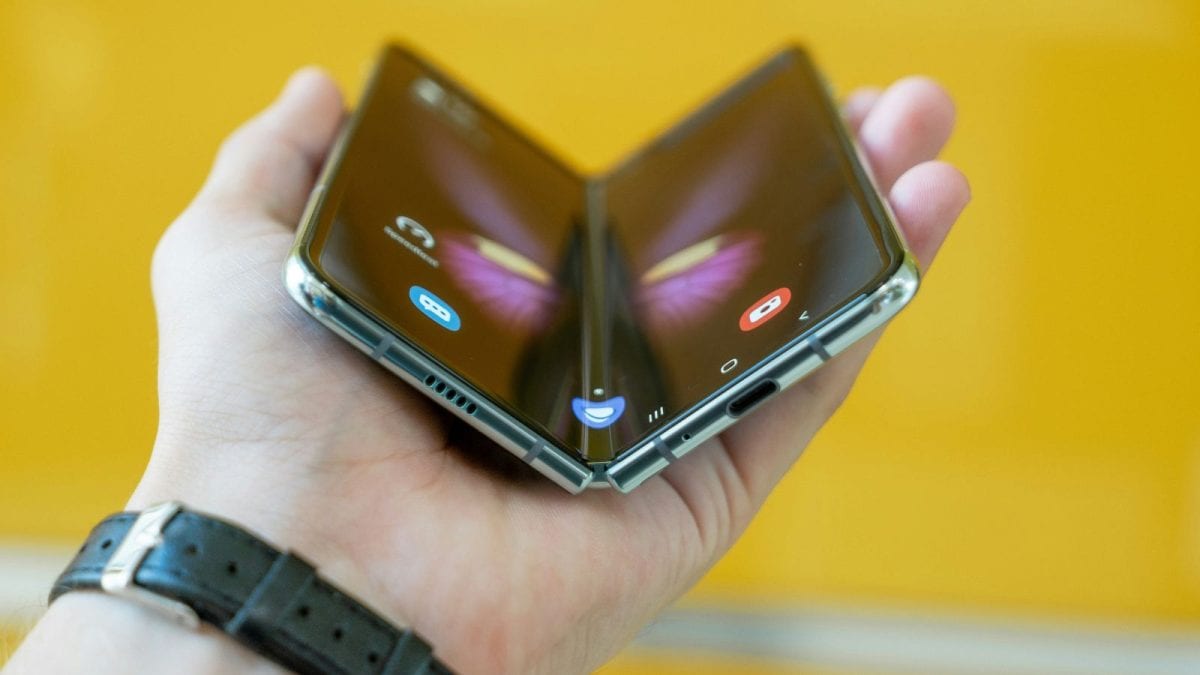
A frozen screen doesn’t always mean your phone is permanently damaged; a few practical steps can often solve the issue at home. (News18)
If your mobile screen freezes while you’re out and about, there’s no need to panic. In most cases, you can resolve the issue yourself without the hassle of going to a service centre.
Common Causes Of A Frozen Screen
Has your smartphone stopped responding, with the touchscreen no longer working? This is a frequent problem, especially with older devices. Your phone might suddenly freeze — the screen may become unresponsive to taps or swipes. Many people assume their phone is broken and head straight to the repair shop.
However, freezing can occur due to several reasons, such as software bugs, demanding applications, insufficient storage, or overheating. The good news is that there are simple steps you can try at home to get your phone working again.
Six Steps To Get Your Phone Working Again
- Force Restart the DeviceThe first and most effective step is to perform a force restart. For Android phones: Hold down the power button and volume down button together for around 10 to 15 seconds. For iPhones: Quickly press the volume up, then the volume down, followed by holding the power button until the Apple logo appears. This action refreshes the phone’s memory and often resolves unresponsiveness.
- Connect the Phone to a Charger Sometimes, a frozen screen is caused by a depleted battery. Plug the phone into a charger and leave it for a few minutes. Once it has some charge, try performing a force restart again.
- Boot into Safe ModeIf you suspect that a third-party app is the culprit, try booting your phone into Safe Mode. This loads only the default system apps. If your phone works fine in Safe Mode, uninstall any recently added apps, especially those installed just before the issue began.
- Let the Phone Cool DownOverheating is another common cause. If your device feels hot, especially after charging or gaming, turn it off and place it in a cool, dry spot for a few minutes. Once it cools down, turn it back on and check the screen.
- Free Up Storage SpaceA phone with almost no storage left can become sluggish or freeze entirely. Try to clear storage space by deleting unnecessary apps, photos, and videos, clearing app cache and temporary files and restarting the phone once some space is freed up.
- Perform a Factory Reset (as a Last Resort)If none of the above solutions work, you might need to do a factory reset.
Important Note: Back up all important data before proceeding, as this will erase everything on the device.
Steps For Factory Reset
Navigate to: Settings > System > Reset > Factory Reset.
This restores the phone to its original state and usually resolves persistent issues.
A frozen screen doesn’t always mean your phone is permanently damaged. With a few practical steps, you can often solve the issue at home. Only seek professional help if the problem persists after trying all the above solutions.
view comments
Read More